Top Free Online Developer Tools Every Programmer Should Use
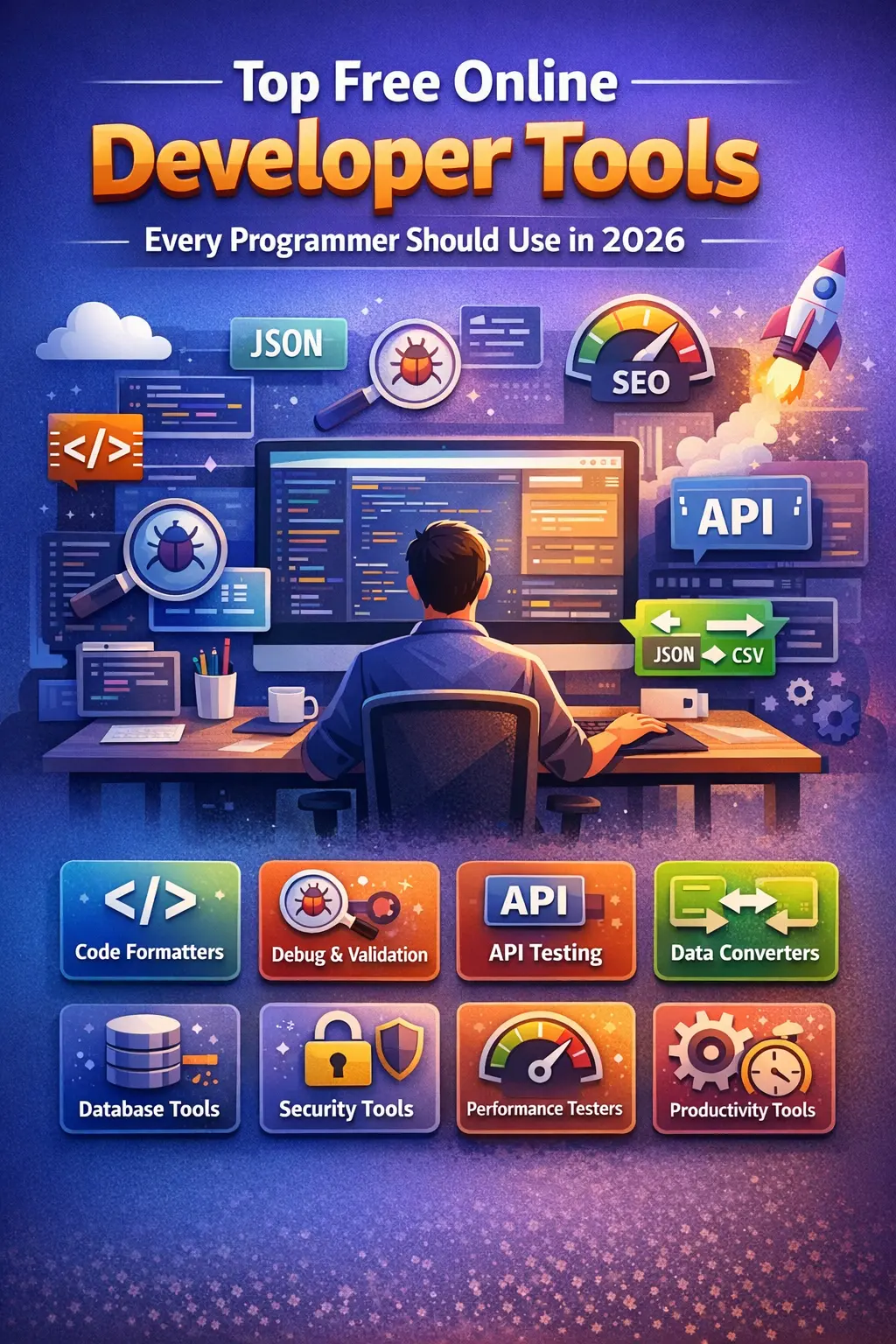
In today’s fast-paced tech world, developers are expected to write clean code, debug faster, deploy quicker, and still maintain high performance. Whether you are a beginner learning your first programming language or an experienced developer managing large-scale applications, free online developer tools play a crucial role in your daily workflow.
Gone are the days when developers relied solely on heavy desktop software. Today, browser-based tools provide instant access to utilities that help format code, validate data, test APIs, convert files, analyze performance, and automate repetitive tasks—without installing anything.
This article explores the top free online developer tools every programmer should use, why they matter, and how they can significantly improve productivity.
Why Online Developer Tools Are Important
Before diving into the tools, let’s understand why online tools are now a necessity rather than a luxury.
1. No Installation Required
Online tools work directly in your browser. This saves disk space and avoids compatibility issues.
2. Platform Independent
Whether you’re on Windows, macOS, or Linux, online developer tools work everywhere.
3. Instant Results
Paste code, click a button, and get results immediately—no setup required.
4. Ideal for Remote Work
With remote work becoming common, browser-based tools allow developers to work from anywhere.
5. Cost Effective
Most online developer tools are completely free, making them accessible to everyone.
Categories of Free Online Developer Tools
To make this guide easier, we’ll divide tools into practical categories developers use daily:
-
Code Formatting & Beautifier Tools
-
Debugging & Validation Tools
-
API Testing Tools
-
Conversion & Utility Tools
-
Database & Data Tools
-
Security & Encoding Tools
-
Performance & Optimization Tools
-
Miscellaneous Productivity Tools
1. Code Formatting & Beautifier Tools
Why Code Formatting Matters
Readable code is easier to debug, maintain, and share with teams. Poor formatting increases bugs and slows development.
Popular Free Tools:
-
JSON Formatter & Beautifier
-
HTML Beautifier
-
CSS Formatter
-
JavaScript Beautifier
-
SQL Formatter
Benefits:
-
Improves readability
-
Maintains coding standards
-
Helps in debugging
-
Ideal for code reviews
Example Use Case:
You receive minified JSON from an API. A JSON formatter instantly converts it into clean, readable structure.
2. Debugging & Validation Tools
Debugging is an unavoidable part of development. Online debugging tools help identify errors without heavy IDE setups.
Must-Use Tools:
-
JSON Validator
-
XML Validator
-
HTML Validator
-
Regex Tester
-
JavaScript Error Checkers
Why Developers Love Them:
-
Instant error detection
-
No environment setup
-
Great for learning and testing snippets
3. API Testing Tools
APIs are the backbone of modern applications. Developers need tools to test requests, responses, headers, and authentication.
Common Free API Tools:
-
REST API Tester
-
HTTP Request Generator
-
Header Viewer
-
JSON Response Viewer
Key Features:
-
Supports GET, POST, PUT, DELETE
-
Shows response time
-
Helps debug backend APIs
Best For:
Backend developers, mobile app developers, and full-stack programmers.
4. Conversion & Utility Tools
Developers frequently convert data formats while working on real-world projects.
Popular Conversion Tools:
-
JSON to Array Converter
-
JSON to XML
-
CSV to JSON
-
Base64 Encoder / Decoder
-
URL Encoder / Decoder
Why These Tools Matter:
-
Saves hours of manual work
-
Reduces errors
-
Useful for APIs, databases, and frontend apps
5. Database & Data Tools
Working with databases often requires formatting queries and converting data structures.
Common Tools:
-
SQL Query Formatter
-
Database Schema Viewers
-
Data Table Generators
-
Fake Data Generators
Advantages:
-
Helps test queries
-
Creates sample data
-
Useful for demos and testing
6. Security & Encoding Tools
Security is a critical aspect of development. Online security tools help protect data and applications.
Essential Security Tools:
-
Hash Generator (MD5, SHA-1, SHA-256)
-
Password Generator
-
Encryption / Decryption Tools
-
JWT Decoder
Why Developers Use Them:
-
Test authentication systems
-
Verify hashes
-
Generate strong passwords
7. Performance & Optimization Tools
Performance impacts user experience and SEO. Developers must optimize code and assets.
Useful Tools:
-
Code Minifiers (HTML, CSS, JS)
-
Image Compression Tools
-
Page Speed Testers
-
Load Time Analyzers
Benefits:
-
Faster websites
-
Better SEO rankings
-
Improved user experience
8. Miscellaneous Productivity Tools
These tools don’t fall into one category but are extremely useful.
Examples:
-
Lorem Ipsum Generator
-
Timestamp Converter
-
Percentage Calculator
-
Unit Converter
-
Color Picker & Converter
These tools speed up small but frequent tasks developers face daily.
How Free Online Developer Tools Boost Productivity
Using the right tools can:
-
Reduce development time
-
Improve code quality
-
Minimize bugs
-
Enhance collaboration
-
Simplify learning for beginners
Instead of writing scripts for small tasks, developers can rely on these tools and focus on solving real problems.
Who Should Use These Tools?
✔ Beginner programmers
✔ Professional developers
✔ Freelancers
✔ Students
✔ Technical bloggers
✔ Startup teams
No matter your skill level, online developer tools make your workflow smoother.
Best Practices When Using Online Tools
-
Avoid uploading sensitive data
-
Use HTTPS websites only
-
Prefer tools with clean UI
-
Bookmark frequently used tools
-
Combine multiple tools for efficiency
The Future of Online Developer Tools
With AI, automation, and cloud computing evolving rapidly, online developer tools are becoming smarter:
-
AI-assisted code formatting
-
Auto-error detection
-
Intelligent API testing
-
Smart data conversion
Developers who adapt early gain a huge productivity advantage.
Conclusion
Free online developer tools are no longer optional—they are essential companions for every programmer. From formatting code and testing APIs to optimizing performance and enhancing security, these tools simplify daily development tasks.
Whether you are coding a small project or managing enterprise applications, using the right set of online tools can save time, reduce stress, and improve code quality.
If you are serious about development, bookmark your favorite online tools and make them part of your daily workflow. 🚀
Your email address will not be published. Comments are moderated.
0 Comments on This Post
Leave a Reply
Comments (0)
Spread the Word!
Join Our Developer Community!
Get weekly coding tips, tool updates, and exclusive tutorials straight to your inbox.
Request a Tool
×