What is HTML
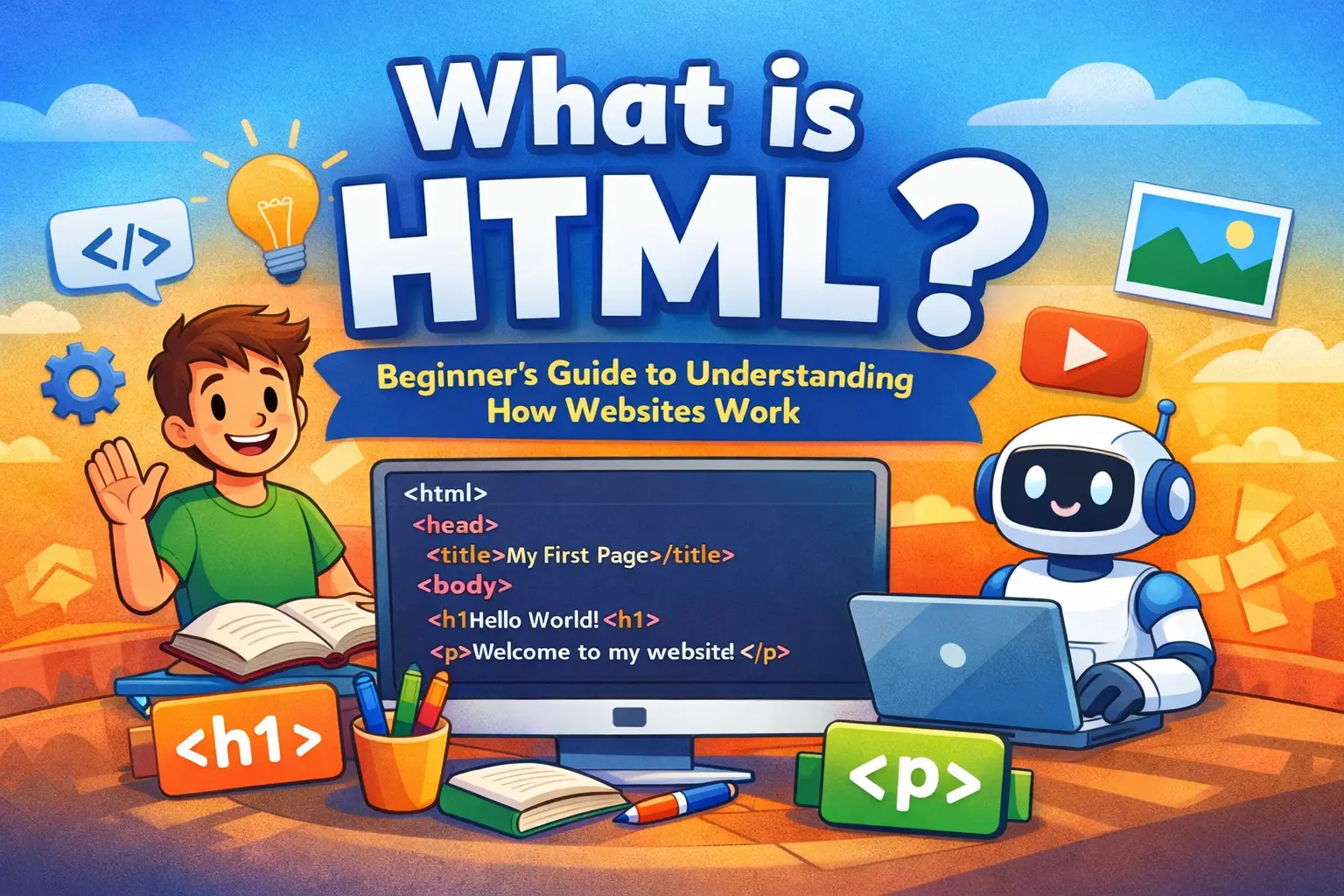
If you’ve ever wondered how websites are created, everything starts with one core technology called HTML. Whether it’s a personal blog, a news website, or large platforms like Amazon and YouTube, HTML is always working behind the scenes.
In this beginner-friendly article, you’ll understand what HTML is, how it works, why it matters, and how you can start using it to create your own web pages, even if you have no prior coding experience.
What Does HTML Mean?
HTML stands for HyperText Markup Language.
Let’s break this down in simple words:
-
HyperText refers to text that contains links, allowing users to move from one page to another.
-
Markup Language means a system that uses tags to organize and label content.
In simple terms, HTML is used to structure content on the internet. It tells the browser what each part of the page represents, such as headings, paragraphs, images, links, and buttons.
HTML does not control colors, layouts, or animations. It only defines what the content is, not how it looks or behaves.
What Is HTML Used For?
HTML is responsible for creating the basic layout and structure of a webpage. It helps the browser understand things like:
-
This text is a heading
-
This text is a paragraph
-
This element is a button
-
This is an image
-
This is a clickable link
Without HTML, browsers would not know how to display content properly.
You can think of HTML as the foundation of a building. Before adding paint, furniture, or lighting, you need a strong structure. HTML provides that structure for websites.
How HTML Works
When you visit a website, a few things happen in the background:
-
Your browser sends a request to a web server.
-
The server responds by sending files, including an HTML file.
-
The browser reads the HTML code.
-
Based on the tags, the browser displays text, images, and links in an organized way.
HTML works like a set of instructions that guide the browser on how to arrange content on the screen.
Understanding HTML Tags
HTML uses tags to define content. Tags are written inside angle brackets.
Most HTML tags come in pairs:
-
An opening tag
-
A closing tag
The content is written between them.
For example, a paragraph tag tells the browser that the text inside it should be treated as a paragraph.
Tags help browsers understand the meaning of content, not just its appearance.
Basic Structure of an HTML Page
Every HTML page follows a standard structure. A simple HTML document includes:
-
A declaration that tells the browser the document type
-
A root element that wraps the entire page
-
A head section containing page information like the title
-
A body section that includes visible content such as text and images
This structure helps browsers correctly interpret and display webpages.
Common HTML Tags Beginners Should Learn
HTML includes many tags, but beginners only need to start with a few essential ones.
-
Heading tags are used for titles and subtitles and range from the most important heading to smaller subheadings.
-
Paragraph tags are used to write blocks of text.
-
Link tags allow users to navigate to other pages or websites.
-
Image tags display pictures on a webpage and include descriptive text for accessibility.
-
List tags help organize information into bullet points or numbered lists.
-
Line break tags move content to a new line without starting a new paragraph.
These basic tags are enough to create simple, readable webpages.
HTML Is Not a Programming Language
Many beginners assume HTML is a programming language, but that’s not true.
HTML does not perform calculations, make decisions, or run logic. It cannot handle conditions or loops. Its only role is to describe and organize content.
Programming languages like JavaScript handle logic and interactions. HTML simply provides the structure.
What Is HTML5?
HTML5 is the latest version of HTML. It introduced modern and meaningful tags that help organize webpages more clearly.
Instead of using generic containers, developers can now use tags that describe the role of each section, such as headers, footers, sections, and articles.
HTML5 also allows audio and video to be added directly without extra plugins, making websites more modern, accessible, and search-engine friendly.
Why HTML Is Important for Web Development
HTML is the first step in web development. Without it, no webpage can exist.
Even if you plan to become a web designer or a JavaScript developer, understanding HTML is essential. It acts as the base layer upon which everything else is built.
Learning HTML also helps you understand how browsers interpret content and how webpages are structured.
Can You Create a Website Using Only HTML?
Yes, you can build a basic website using only HTML. It can include text, images, and links, but it will look very plain.
To improve appearance, you need CSS. To add interactions and dynamic behavior, you need JavaScript.
Still, HTML alone is powerful enough to create the structure of any webpage.
Tools Required to Learn HTML
You don’t need expensive software to start learning HTML.
All you need is:
-
A simple text editor such as Notepad or VS Code
-
A web browser like Chrome or Firefox
You write HTML code in a file with a .html extension and open it in a browser to see the output. That’s all it takes to begin.
Creating Your First HTML Page
Your first HTML page can be very simple. After writing the basic structure and adding some text, save the file as index.html and open it in your browser.
Congratulations — you’ve just created your first webpage.
How HTML Works with CSS and JavaScript
HTML is only one part of modern web development:
-
HTML defines the structure
-
CSS controls the design and layout
-
JavaScript adds interactivity and behavior
Together, these three technologies power the modern web.
If HTML is the structure of a house, CSS is the decoration, and JavaScript is the electricity that makes everything function.
Career Paths After Learning HTML
Learning HTML opens the door to many career opportunities.
You can become a frontend developer, a web designer, or move toward full-stack or backend development by learning additional technologies.
Almost every web-related role requires HTML knowledge as a basic skill.
Frequently Asked Questions About HTML
Many beginners ask whether HTML is difficult to learn. The answer is no — HTML is one of the easiest technologies to start with.
Another common question is how long it takes to learn HTML. Most learners can understand the basics within a few days of regular practice.
People also wonder if HTML is still relevant today. The answer is yes — every website on the internet still relies on HTML.
Conclusion
HTML is the foundation of the web. It structures online content and helps browsers display information correctly.
If you want to start coding or build a career in web development, learning HTML is your first and most important step. It is simple, powerful, and used everywhere.
Begin with basic tags, create small pages, and practice consistently. Once you understand HTML, learning CSS and JavaScript will feel much easier.
Your web development journey starts with HTML — and now you’re ready to begin 🚀
Your email address will not be published. Comments are moderated.
0 Comments on This Post
Leave a Reply
Comments (0)
Spread the Word!
Join Our Developer Community!
Get weekly coding tips, tool updates, and exclusive tutorials straight to your inbox.
Request a Tool
×