Best Free CSS Beautifier Tools for Developers (2026 Edition)
CSS is an essential part of modern web development. It controls how websites look, including layout, colors, fonts, spacing, and responsiveness. As web projects grow larger and more complex, CSS files can quickly become difficult to read and maintain.
Many websites also use minified CSS to reduce file size and improve loading speed. While this optimization improves performance, it removes spaces, indentation, and formatting, making the code extremely hard to read.
To solve this problem, developers rely on CSS beautifier tools. These tools automatically format CSS code into a clean and structured layout that is easier to understand and edit.
In this guide, we will explore the best CSS beautifier tools available for developers in 2026, explain how they work, and discuss why they are essential for modern web development.
What Is a CSS Beautifier?
A CSS beautifier is a tool that reformats CSS code into a readable structure. It organizes selectors and properties using proper indentation, spacing, and line breaks.
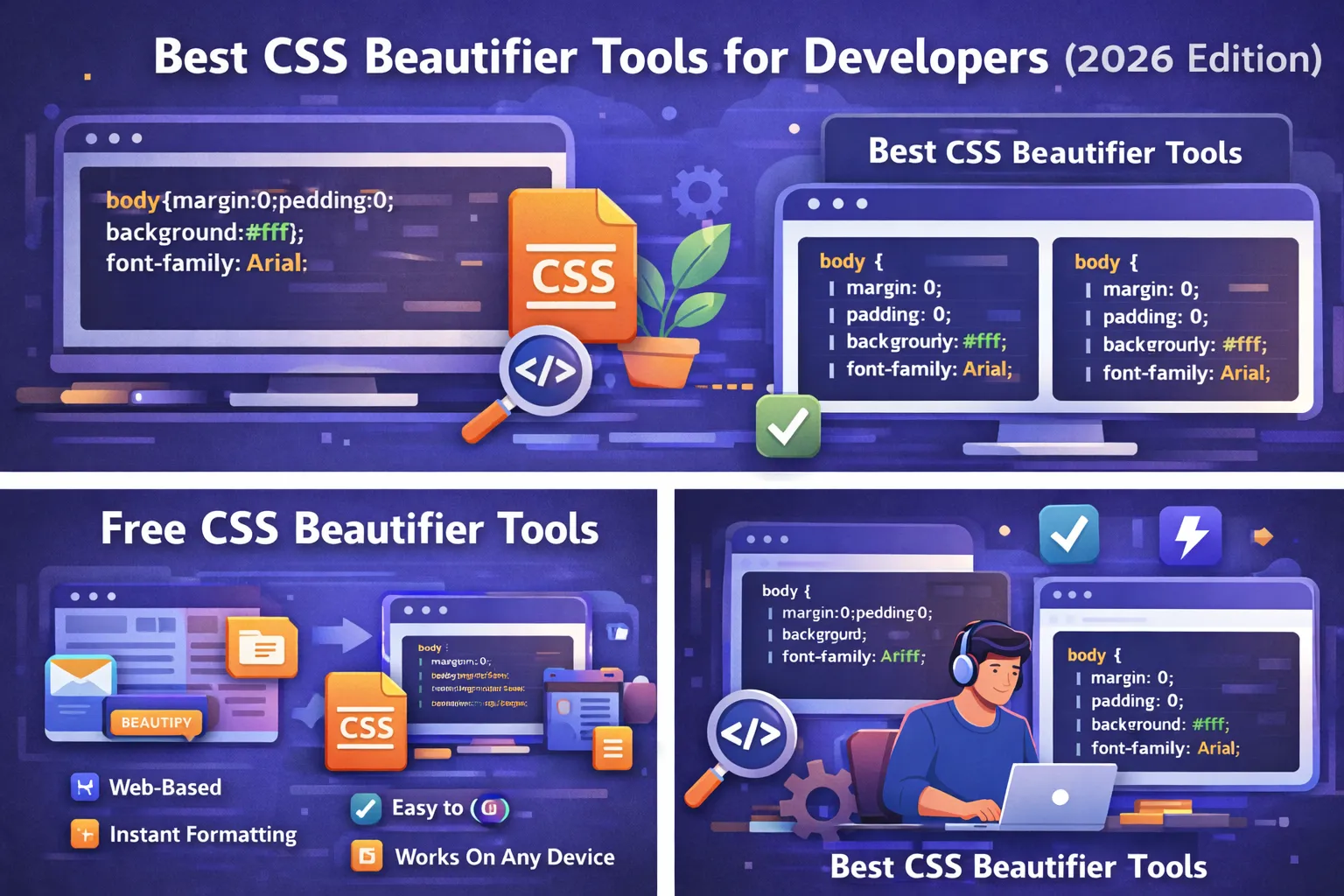
For example, messy CSS code might appear like this:
body{margin:0;padding:0;background:#fff;font-family:Arial}.container{width:100%;max-width:1200px;margin:auto}
After using a CSS beautifier, the same code becomes structured and easy to read:
body {
margin: 0;
padding: 0;
background: #fff;
font-family: Arial;
}
.container {
width: 100%;
max-width: 1200px;
margin: auto;
}
The beautifier does not change how the CSS works. It simply improves formatting so developers can easily understand and maintain the code.
Why Developers Use CSS Beautifier Tools
CSS beautifier tools are widely used by developers because they simplify the process of working with stylesheets.
One of the main benefits is improved readability. When CSS code is properly formatted, developers can quickly scan and understand the structure of the stylesheet.
Another major benefit is easier debugging. When CSS rules are organized into separate lines and blocks, developers can quickly identify styling conflicts or errors.
Beautifiers are also useful when analyzing CSS from third-party websites or libraries. Many websites use compressed CSS files, and beautifying them makes the structure easier to study.
In addition, these tools help development teams maintain consistent coding standards.
How CSS Beautifier Tools Work
CSS beautifier tools analyze the structure of CSS code and reorganize it using formatting rules.
The process typically includes several steps.
First, the tool scans the CSS file to identify selectors, properties, and values.
Next, it removes irregular formatting such as inconsistent spacing.
Then it applies proper indentation and organizes each CSS property on a new line.
Finally, the tool outputs the beautified code in a clean and readable format.
This process usually takes only a few seconds and can handle large CSS files efficiently.
Best Free CSS Beautifier Tools for Developers
Many tools are available that help developers format CSS code quickly and efficiently. These tools are especially useful when working with minified stylesheets.
Below are some of the best CSS beautifier tools developers use in 2026.
Online CSS Beautifier Tools
Online CSS beautifiers are among the most popular options because they require no installation. Developers can simply open a website, paste their CSS code, and instantly format it.
These tools are fast, convenient, and accessible from any device with a web browser.
Online beautifiers typically include features such as instant formatting, syntax highlighting, and copy-to-clipboard functionality.
They are ideal for developers who need quick formatting without installing additional software.
CSS Beautifier Tools Built Into Code Editors
Many modern code editors include built-in CSS formatting features.
These tools automatically beautify CSS code while developers are writing it.
Automatic formatting ensures that CSS files remain clean and consistent throughout the development process.
Developers often enable auto-formatting to maintain proper indentation and spacing in their stylesheets.
This helps reduce the need for manual formatting later.
Browser-Based Developer Tools
Web browsers also provide developer tools that allow developers to inspect and analyze CSS code.
When developers inspect elements on a webpage, they can view the associated CSS styles and sometimes reformat them for better readability.
These tools are useful for debugging and understanding how CSS rules are applied in real-time.
However, they are typically used for analysis rather than full CSS formatting.
Command-Line CSS Formatting Tools
Advanced developers sometimes use command-line tools to format CSS files automatically.
These tools can process entire project directories and format multiple CSS files at once.
Command-line beautifiers are often integrated into build systems or automated workflows.
This ensures that all CSS files in a project follow consistent formatting standards.
Features to Look for in a CSS Beautifier
When choosing a CSS beautifier tool, developers should look for several key features.
One important feature is instant formatting, which allows CSS code to be beautified quickly.
Another useful feature is syntax awareness. A good beautifier understands CSS structure and ensures that formatting does not break the code.
Support for large CSS files is also important, especially for complex projects.
Additional features such as syntax highlighting, copy functionality, and downloadable files can further improve usability.
How to Use a CSS Beautifier Tool
Using a CSS beautifier is extremely simple and usually requires only a few steps.
First, copy the CSS code you want to format.
Next, open a CSS beautifier tool in your browser or development environment.
Paste the CSS code into the input editor.
Click the Beautify or Format CSS button.
The tool will process the code and display a clean, structured version.
Finally, copy or download the beautified CSS code for further editing or analysis.
CSS Beautifier vs CSS Minifier
Although CSS beautifiers and CSS minifiers both work with CSS code, they serve opposite purposes.
A CSS beautifier improves readability by adding spaces, indentation, and line breaks.
A CSS minifier improves performance by removing spaces and unnecessary characters to reduce file size.
During development, developers typically work with beautified CSS because it is easier to read and maintain.
Before deploying a website, they often minify the CSS to improve loading speed.
Using both tools together ensures a balance between code quality and performance.
Benefits of Using Free CSS Beautifier Tools
Free CSS beautifier tools offer many advantages for developers.
They help maintain clean code, which improves readability and reduces errors.
They also save time by automatically formatting large CSS files.
Online beautifiers are accessible from any device and require no installation.
Most tools also support copying, downloading, and editing formatted CSS code.
These benefits make CSS beautifiers essential tools in modern web development.
Best Practices for Writing Clean CSS
Even when using beautifier tools, developers should follow best practices when writing CSS.
Using consistent indentation helps maintain readability.
Grouping related styles together makes the stylesheet easier to navigate.
Developers should use meaningful class names that describe the purpose of each style.
Unused CSS rules should be removed regularly to keep stylesheets efficient.
Following these practices ensures that CSS remains clean and manageable.
Why CSS Beautifiers Are Important for Beginners
Beginners often struggle with large CSS files because the structure can appear confusing.
Beautified CSS separates selectors and properties clearly, making it easier to understand how styles are applied.
This helps beginners learn how CSS works and improves their ability to debug styling issues.
Using CSS beautifiers also encourages good coding habits early in the learning process.
The Future of CSS Formatting Tools
CSS development tools continue to evolve with new technologies.
Future CSS beautifiers may include artificial intelligence that automatically optimizes CSS structure and suggests improvements.
Real-time formatting while typing may become standard in development environments.
Integration with build systems and automated workflows will also become more common.
These innovations will help developers create cleaner and more efficient stylesheets.
Conclusion
CSS beautifier tools are essential for developers who want clean, readable, and well-organized stylesheets.
They help convert messy or minified CSS code into structured formatting that is easy to understand and maintain.
Whether you are debugging styles, learning CSS, or managing large projects, using a CSS beautifier can significantly improve your workflow.
By choosing the best CSS beautifier tools available in 2026, developers can maintain high-quality CSS code while improving productivity and collaboration.
Your email address will not be published. Comments are moderated.
0 Comments on This Post
Leave a Reply
Comments (0)
Spread the Word!
Join Our Developer Community!
Get weekly coding tips, tool updates, and exclusive tutorials straight to your inbox.
Request a Tool
×