Convert PNG to WebP in Seconds (Free & No Quality Loss)
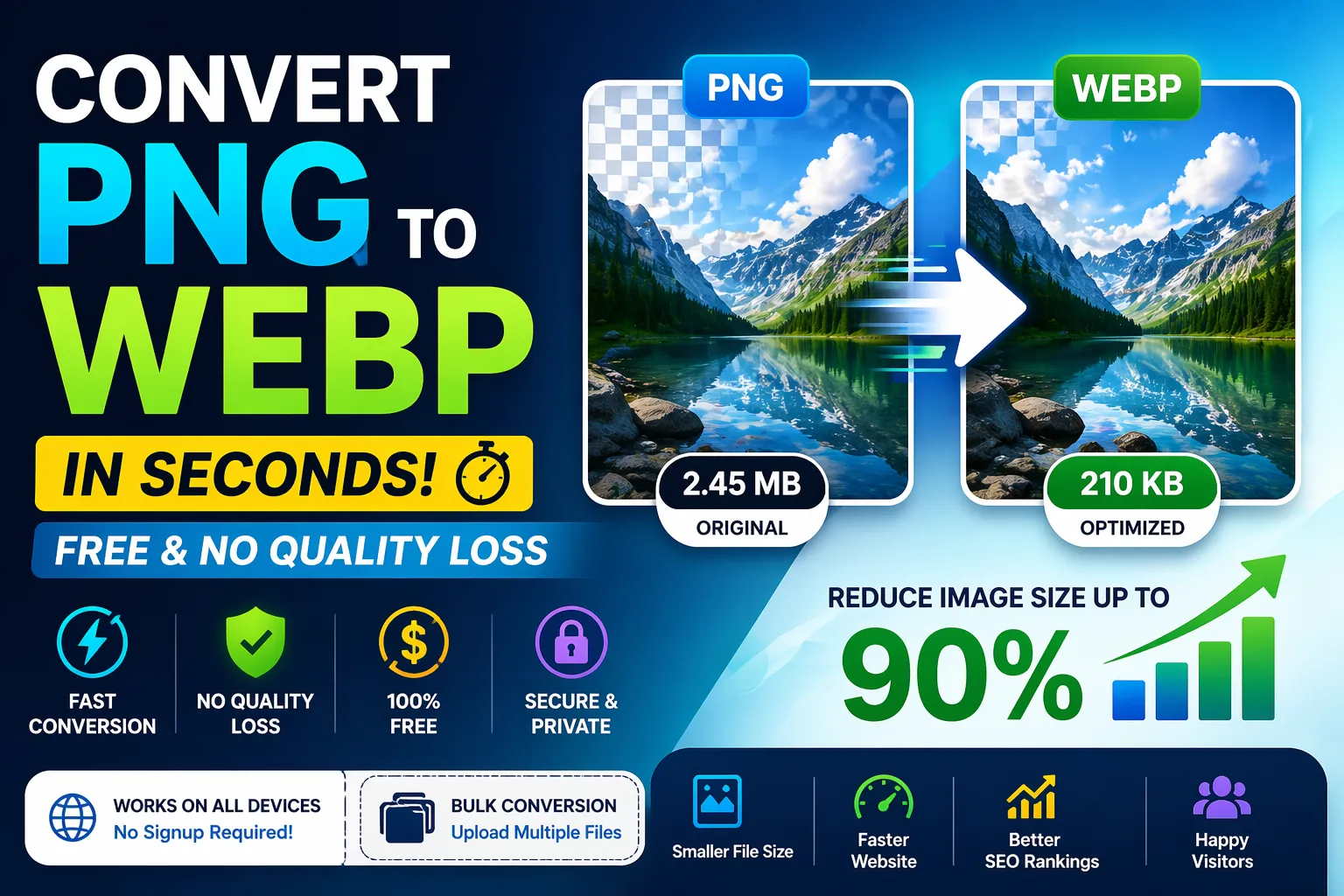
Images play a crucial role in modern websites, applications, and digital experiences. From blog posts and landing pages to e-commerce stores and mobile apps, visuals are everywhere. They improve engagement, communicate information faster, and make content more appealing. However, there is a hidden cost that many website owners overlook—image size.
Large image files can significantly slow down your website, negatively impact user experience, and hurt your search engine rankings. Even a delay of a few seconds in page loading can increase bounce rates and reduce conversions. This is where modern image optimization techniques come into play, and one of the most effective solutions is converting PNG images into WebP format.
If you are still using PNG images on your website, you are likely missing out on faster loading speeds, better performance, and improved SEO rankings. Our PNG to WebP Converter is designed to solve this problem by allowing you to convert heavy PNG images into lightweight WebP format in seconds—without sacrificing quality.
This tool is built for speed, simplicity, and efficiency. Whether you are a developer, designer, blogger, marketer, or business owner, you can use this tool to optimize your images instantly and improve your overall website performance.
📌 Understanding Image Optimization
Before diving deeper into PNG and WebP formats, it is important to understand why image optimization matters.
When a user visits your website, their browser loads all assets including HTML, CSS, JavaScript, and images. Among these, images often account for 50% to 80% of total page size. If these images are not optimized, your website will load slowly, especially on mobile devices or slower internet connections.
Image optimization involves reducing file size without significantly affecting visual quality. This results in faster loading times, better performance, and improved user satisfaction.
🖼️ What is PNG Format?
PNG (Portable Network Graphics) is one of the most widely used image formats on the web. It is known for its lossless compression, which means it preserves all image data without sacrificing quality.
PNG is especially popular for:
- Logos
- Icons
- Transparent images
- UI/UX design elements
- Graphics with sharp edges
One of the biggest advantages of PNG is its ability to support transparency, making it ideal for overlays and design components.
However, this high quality comes at a cost.
⚠️ Limitations of PNG
Despite its benefits, PNG has some drawbacks:
- Larger file sizes compared to modern formats
- Slower loading times
- Higher bandwidth consumption
- Not ideal for performance optimization
As websites become more performance-focused, relying solely on PNG is no longer efficient.
🌐 What is WebP Format?
WebP is a modern image format developed by Google to provide superior compression and quality for web images.
WebP supports both:
- Lossy compression (like JPEG)
- Lossless compression (like PNG)
This flexibility allows WebP to deliver significantly smaller file sizes while maintaining excellent image quality.
⭐ Key Benefits of WebP
1. Smaller File Sizes
WebP images are typically 25% to 90% smaller than PNG images, depending on compression settings.
2. Faster Loading Speed
Smaller images load faster, improving overall website performance.
3. High Quality Output
Despite compression, WebP maintains excellent visual quality.
4. Transparency Support
Like PNG, WebP supports transparent backgrounds.
5. Better SEO Performance
Faster websites rank higher in search engines, making WebP a smart choice for SEO.
🔥 Why Convert PNG to WebP?
Converting PNG images to WebP is one of the easiest and most effective ways to optimize your website.
1. Faster Website Loading
Speed is critical. Studies show that users expect a website to load within 2–3 seconds. WebP images reduce loading time significantly, improving user experience.
2. Improved SEO Rankings
Search engines prioritize fast-loading websites. By using WebP images, you can improve:
- Page speed
- Core Web Vitals
- Search rankings
3. Reduced Bandwidth Usage
Smaller image sizes mean less data transfer, which is especially beneficial for:
- Mobile users
- Limited data plans
- High-traffic websites
4. Better Performance Scores
Tools like PageSpeed Insights reward optimized images. Converting PNG to WebP can boost your performance scores instantly.
5. No Noticeable Quality Loss
Modern compression algorithms ensure that your images retain their original look while being significantly smaller.
⚙️ Features of This PNG to WebP Tool
Our tool is designed with users in mind and offers powerful features:
⚡ Lightning Fast Conversion
Convert images within seconds using optimized processing.
🎯 No Quality Loss
Maintain original clarity with advanced compression.
🆓 Completely Free
No subscription or hidden fees.
🔐 No Signup Required
Start using instantly without registration.
📦 Bulk Conversion
Upload and convert multiple images at once.
🌐 Cross-Platform Support
Works on desktop, tablet, and mobile devices.
🔒 Secure Processing
Your files are not stored or shared.
🧑💻 How to Convert PNG to WebP
Using this tool is simple and beginner-friendly:
- Upload your PNG image(s)
- Click the “Convert” button
- Wait a few seconds
- Download your optimized WebP images
No technical knowledge is required.
👥 Who Should Use This Tool?
This tool is ideal for:
Developers
Optimize assets and improve performance metrics.
Bloggers
Improve page speed and SEO rankings.
Designers
Compress images without losing quality.
E-commerce Owners
Faster product image loading improves conversions.
Digital Marketers
Enhance campaign performance and user engagement.
⚖️ PNG vs WebP Comparison
PNG:
- High quality
- Large file size
- Slower performance
WebP:
- High quality
- Much smaller size
- Faster loading
Switching to WebP provides a clear performance advantage.
📈 SEO Benefits of WebP Images
Search engines like Google use page speed as a ranking factor. Optimizing images can directly impact your SEO.
Benefits include:
- Improved Core Web Vitals
- Faster Largest Contentful Paint (LCP)
- Lower bounce rates
- Higher user engagement
All these contribute to better search rankings.
🧪 Real-World Performance Impact
Let’s consider an example:
- Original PNG image: 1 MB
- Converted WebP image: 200 KB
That’s an 80% reduction in size.
Now imagine a page with 10 images:
- PNG total: 10 MB
- WebP total: 2 MB
This results in significantly faster loading and better performance.
🛠️ Advanced Use Cases
1. Website Optimization
Reduce page size and improve load speed.
2. Mobile Performance
Deliver faster experiences on slow networks.
3. E-commerce Stores
Optimize product images for better conversions.
4. Blog Content
Improve readability and loading speed.
5. Portfolio Websites
Showcase high-quality visuals without performance issues.
🔍 Best Practices for Image Optimization
To get maximum benefit:
- Always use WebP for web images
- Compress images before uploading
- Use responsive image sizes
- Implement lazy loading
- Avoid unnecessary high-resolution images
🚀 Why Choose Our PNG to WebP Converter?
There are many tools available, but this one stands out because of:
- Fast processing speed
- No quality compromise
- Clean user interface
- Unlimited free usage
- No watermark
- Bulk conversion support
💡 Tips to Boost Website Speed Further
In addition to using WebP images:
- Use a CDN (Content Delivery Network)
- Minify CSS and JavaScript
- Enable browser caching
- Optimize server response time
- Use lightweight themes
🔮 Future of Image Formats
WebP is already widely adopted, but newer formats like AVIF are also emerging. However, WebP remains the best balance of compatibility, quality, and performance for most websites today.
📊 Use Cases Summary
You can use this tool for:
- Blog image optimization
- Website speed improvement
- Image compression
- SEO enhancement
- Performance optimization
🧾 Final Thoughts
If you want to improve your website speed, reduce image size, and boost SEO performance, converting PNG images to WebP is one of the simplest and most effective strategies.
This PNG to WebP Converter makes the process fast, free, and effortless. With no quality loss and instant results, it is the perfect solution for modern web optimization.
Start using this tool today and take your website performance to the next level.
Your email address will not be published. Comments are moderated.
0 Comments on This Post
Leave a Reply
Comments (0)
Spread the Word!
Join Our Developer Community!
Get weekly coding tips, tool updates, and exclusive tutorials straight to your inbox.
Request a Tool
×