Best Free AVIF to JPG Converter Online – No Download Needed
In today’s digital world, image formats play a crucial role in website performance, storage optimization, and overall user experience. Whether you are a blogger, developer, designer, or just a regular internet user, the type of image format you use can significantly impact how your content is viewed and shared online.
One of the newest image formats gaining popularity is AVIF. It is designed to provide better compression and superior image quality compared to traditional formats. However, despite its advantages, AVIF still lacks full compatibility across many platforms, devices, and applications.
This is where an AVIF to JPG converter becomes extremely useful.
If you are struggling to open AVIF files, upload them to websites, or share them with others, converting them into JPG format is the easiest and most practical solution. JPG is widely supported and works seamlessly across all platforms.
In this detailed guide, you will learn everything about AVIF to JPG conversion, including what AVIF is, why you should convert it, how to do it online for free, and tips to maintain the best image quality.
What is AVIF Format?
AVIF stands for AV1 Image File Format. It is a modern image format that uses advanced compression technology derived from the AV1 video codec. This format was developed to provide better efficiency in storing images while maintaining high visual quality.
Unlike older formats, AVIF can compress images into much smaller sizes without significantly reducing clarity. This makes it highly useful for websites that want faster loading speeds and better performance.
Another advantage of AVIF is its support for modern imaging features such as HDR (High Dynamic Range) and transparency. These features make it suitable for high-quality visual content.
However, AVIF is still relatively new, and many devices, browsers, and software tools do not fully support it. This limitation often creates challenges for users who need to view or share these images.
What is JPG Format?
JPG, also known as JPEG, is one of the most widely used image formats in the world. It has been around for decades and is supported by almost every device, operating system, browser, and application.
The reason behind JPG’s popularity is its balance between file size and image quality. It compresses images efficiently while keeping them visually acceptable for most uses.
JPG is commonly used for:
- Social media uploads
- Website images
- Email attachments
- Digital photography
Because of its universal compatibility, JPG remains the preferred format for sharing and editing images.
Why Convert AVIF to JPG?
Although AVIF is technically superior in many ways, there are several practical reasons why converting AVIF to JPG is necessary.
Compatibility Issues
One of the biggest problems with AVIF files is that they are not supported everywhere. Many websites, apps, and older devices cannot open or display AVIF images properly. Converting them to JPG ensures that they can be used anywhere without issues.
Easy Sharing
JPG files are easy to share across platforms such as WhatsApp, email, Facebook, Instagram, and other social media channels. AVIF files may not upload or display correctly on these platforms.
Better Editing Support
Most popular image editing tools fully support JPG but may not support AVIF. If you want to edit your image using tools like Photoshop or other editors, converting to JPG is often required.
Faster Workflow
JPG files are easier to handle in everyday tasks. They load faster, open instantly, and integrate smoothly into different workflows.
Best Free AVIF to JPG Converter Online
Using an online AVIF to JPG converter is the easiest way to convert your images. You don’t need to install any software or create an account. Everything works directly in your browser.
A good converter should provide:
- Free access without hidden charges
- Fast processing speed
- High-quality output images
- Secure file handling
- No watermark on converted images
Online tools are especially useful because they save time and work on any device, including smartphones, tablets, and computers.
How to Convert AVIF to JPG Online
Converting AVIF images to JPG online is a simple process that takes only a few seconds.
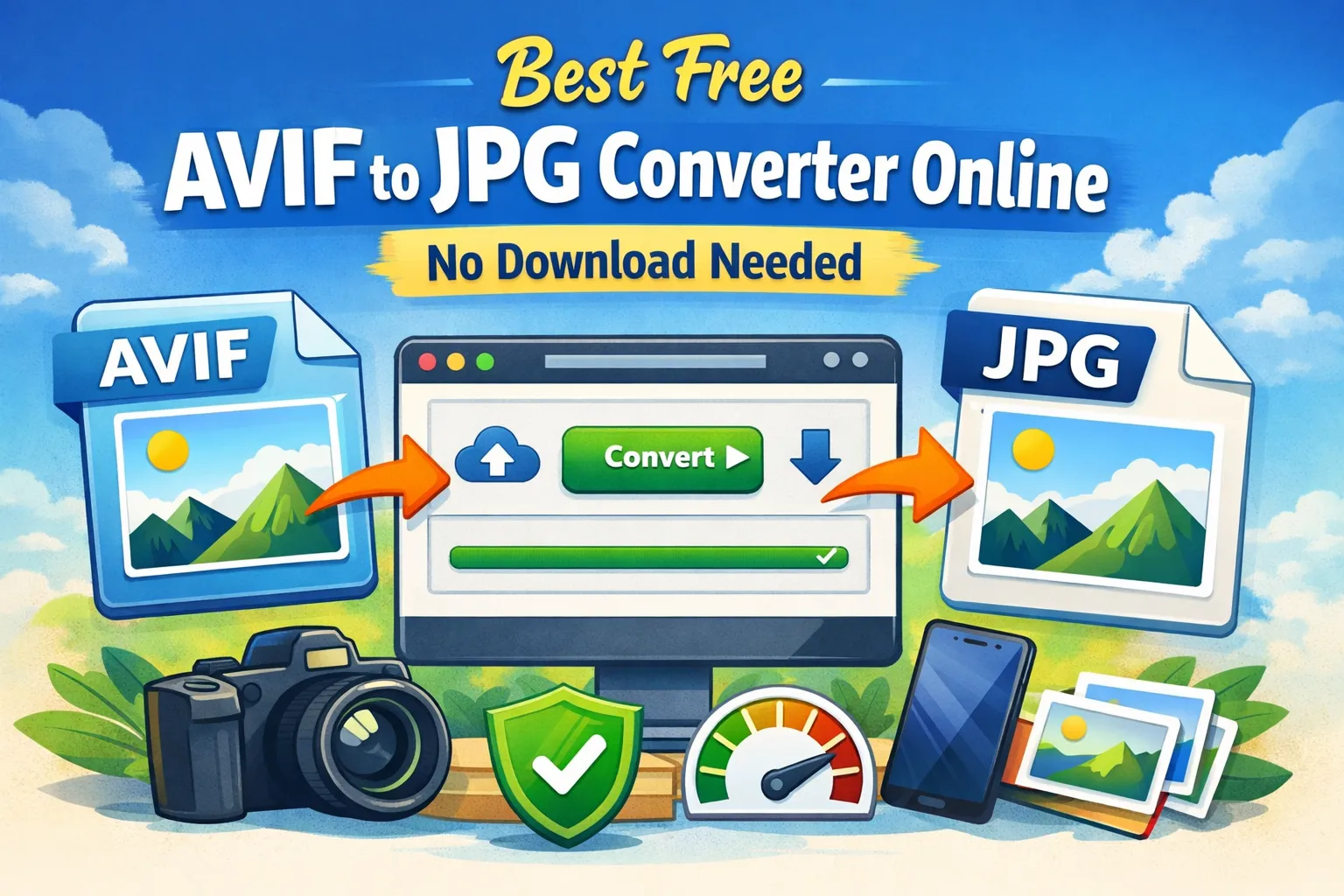
First, upload your AVIF file using the upload button on the converter tool. Once the file is uploaded, click on the convert button to start the process. The tool will automatically process your image and convert it into JPG format.
After the conversion is complete, you can download the JPG file instantly. The entire process is quick, easy, and requires no technical knowledge.
Advantages of Using an Online Converter
One of the biggest advantages of online converters is convenience. You don’t need to install any software, which saves both time and storage space.
Another benefit is accessibility. You can use the converter from any device with an internet connection. Whether you are using a mobile phone, tablet, or laptop, the tool works seamlessly.
Speed is another major advantage. Most online converters process images within seconds, allowing you to convert multiple files quickly.
Security is also important. Reliable tools ensure that your files are not stored permanently and are deleted after processing.
AVIF vs JPG: Understanding the Difference
AVIF and JPG serve different purposes. AVIF is designed for modern web optimization and offers better compression and quality. JPG, on the other hand, focuses on compatibility and ease of use.
If your goal is to optimize website performance and reduce file size, AVIF is a good choice. However, if you want maximum compatibility and easy sharing, JPG is the better option.
In real-world scenarios, many users prefer converting AVIF to JPG because compatibility matters more than compression benefits.
When Should You Use JPG Instead of AVIF?
There are several situations where JPG is the better choice.
If you are uploading images to platforms that do not support AVIF, JPG is the safest option. Social media platforms, email services, and many websites work best with JPG files.
If you are using older devices or software, JPG ensures smooth performance. AVIF files may not open or display correctly in such cases.
If you need to edit your images, JPG is more practical because most editing tools support it fully.
Tips for Best Conversion Quality
To get the best results when converting AVIF to JPG, it is important to follow some simple tips.
Always start with a high-quality AVIF image. The better the input quality, the better the output will be.
Avoid converting the same image multiple times, as repeated conversions can reduce quality.
Use a reliable and trusted converter tool to ensure high-quality output.
After conversion, check the image quality before using it to make sure it meets your requirements.
Is AVIF to JPG Conversion Safe?
Yes, converting AVIF to JPG online is safe if you use a trusted tool. Most reliable converters ensure that your files are processed securely and are not stored permanently.
They use secure connections to protect your data and automatically delete files after conversion. This makes online conversion both safe and convenient.
Common Problems and Their Solutions
Sometimes users may face issues while working with AVIF files.
If your AVIF file is not opening, converting it to JPG will solve the problem instantly.
If the output quality is poor, try using a better converter or a higher-quality input file.
If the conversion process is slow, it may be due to internet speed or server load. Switching to a faster tool can help.
Who Should Use AVIF to JPG Converter?
This tool is useful for a wide range of users.
Bloggers and content creators can use it to ensure their images work on all platforms.
Web developers can convert images for better compatibility with different browsers.
Graphic designers can use it for editing and sharing purposes.
Students and professionals can easily convert images for presentations, assignments, and documents.
Frequently Asked Questions (FAQs)
Many users have common questions about AVIF to JPG conversion.
AVIF is technically better in terms of compression and quality, but JPG is more practical due to its universal support.
You can convert AVIF to JPG for free using online tools without any limitations.
There may be slight quality loss during conversion, but good tools minimize this loss.
You do not need any software, as online converters work directly in your browser.
Future of Image Formats
As technology continues to evolve, newer formats like AVIF will become more widely supported. However, JPG is not going away anytime soon because of its massive adoption and compatibility.
For now, using both formats wisely is the best approach. Use AVIF for optimization and JPG for sharing and compatibility.
Final Thoughts
Converting AVIF to JPG is essential for ensuring that your images can be used anywhere without compatibility issues. While AVIF offers advanced features and better compression, JPG remains the most practical format for everyday use.
With a free online AVIF to JPG converter, you can quickly and easily convert your images without downloading any software or creating an account. The process is simple, fast, and reliable.
Your email address will not be published. Comments are moderated.
0 Comments on This Post
Leave a Reply
Comments (0)
Spread the Word!
Join Our Developer Community!
Get weekly coding tips, tool updates, and exclusive tutorials straight to your inbox.
Request a Tool
×