Convert JPG to WebP in Seconds (Free & No Quality Loss) 🚀 | Compress Images Online Fast
In today’s digital world, images are a fundamental part of every website, application, and online platform. Whether you are running a blog, managing an e-commerce store, building a SaaS product, or creating content for social media, images play a crucial role in attracting users and delivering information effectively.
However, there is a major challenge that most website owners face—large image file sizes.
Heavy images can slow down your website significantly, leading to poor user experience, higher bounce rates, and lower search engine rankings. Even a delay of just a few seconds can cause users to leave your site before it fully loads.
This is where image optimization becomes essential.
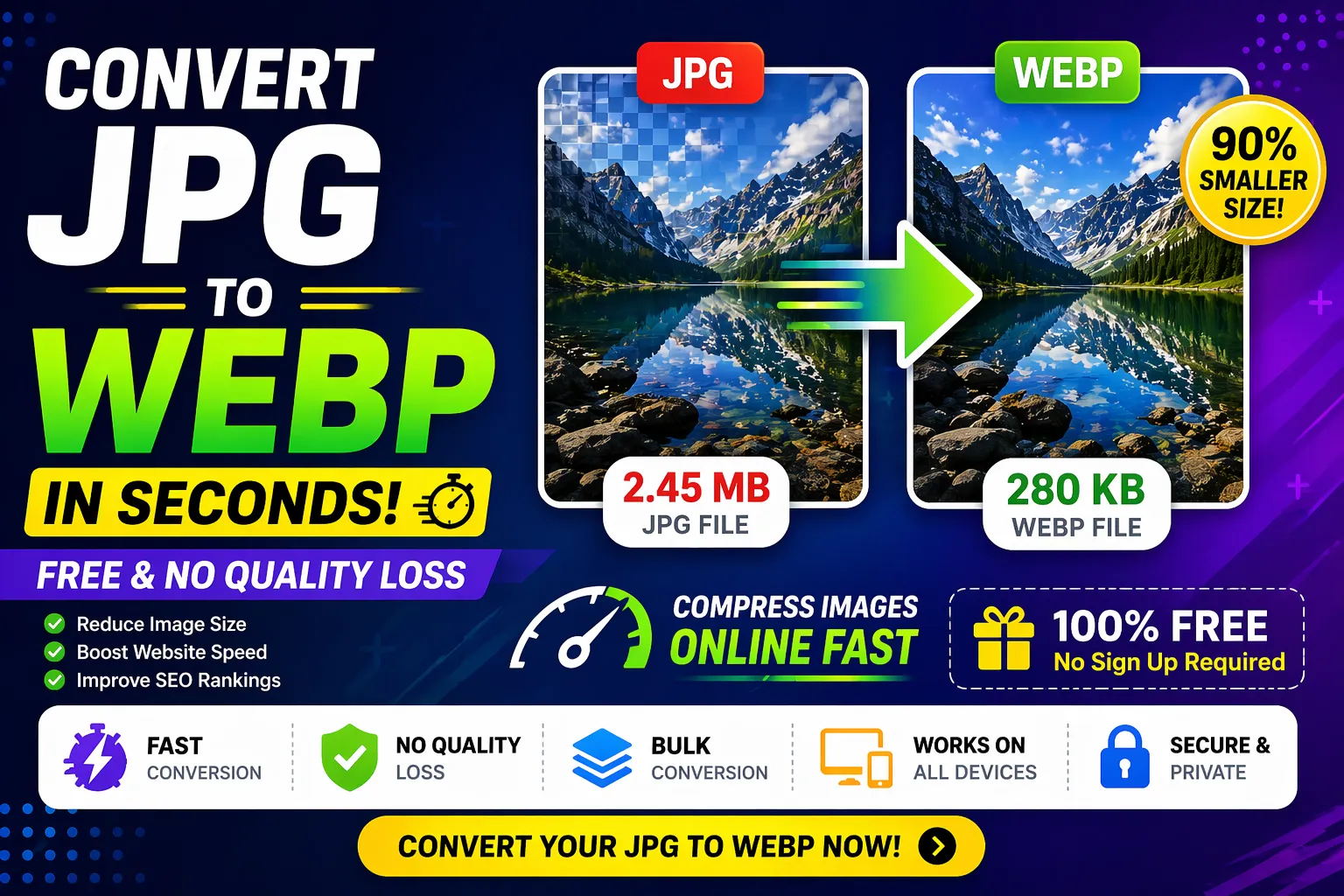
One of the best ways to optimize images is by converting JPG images into WebP format. Our JPG to WebP Converter allows you to convert images in seconds, reduce file size dramatically, and maintain high visual quality—all without any technical complexity.
📌 Why Image Optimization Matters
When a user visits your website, multiple elements are loaded including scripts, stylesheets, and images. Among these, images typically make up the largest portion of the total page size.
Unoptimized images can lead to:
- Slow loading times
- Poor mobile performance
- Increased data usage
- Lower SEO rankings
Optimizing images ensures that your website loads quickly and performs efficiently across all devices.
🖼️ What is JPG Format?
JPG (or JPEG) is one of the most widely used image formats. It uses lossy compression, which reduces file size by removing some image data.
Advantages of JPG:
- Smaller file size compared to PNG
- Widely supported across all devices
- Ideal for photographs and complex images
Limitations of JPG:
- Quality loss during compression
- No transparency support
- Still larger than modern formats like WebP
🌐 What is WebP Format?
WebP is a modern image format developed by Google to provide superior compression and quality.
It supports both:
- Lossy compression
- Lossless compression
WebP images are significantly smaller than JPG images while maintaining similar or better quality.
⭐ Key Benefits of WebP
1. Smaller File Sizes
WebP images are up to 30–80% smaller than JPG images.
2. Faster Loading Speed
Smaller images load faster, improving performance.
3. Better Quality at Lower Size
WebP maintains sharpness even at lower file sizes.
4. Transparency Support
Unlike JPG, WebP supports transparency.
5. Improved SEO
Faster websites rank higher in search engines.
🔥 Why Convert JPG to WebP?
1. Improve Website Speed
Speed is one of the most critical factors for user experience. WebP images reduce load time significantly.
2. Boost SEO Rankings
Search engines like Google prioritize fast-loading websites. Using WebP can improve your ranking.
3. Reduce Bandwidth Usage
Smaller images consume less data, making your website more efficient.
4. Enhance User Experience
Fast-loading pages keep users engaged and reduce bounce rates.
5. Maintain Image Quality
Advanced compression ensures minimal or no visible quality loss.
⚙️ Features of This JPG to WebP Tool
⚡ Fast Conversion
Convert images instantly without delays.
🎯 No Quality Loss
Maintain high-quality visuals.
🆓 Free to Use
No hidden costs.
🔐 No Signup Required
Start using immediately.
📦 Bulk Conversion
Convert multiple images at once.
🌐 Cross-Device Compatibility
Works on mobile, tablet, and desktop.
🔒 Secure Processing
Your files are safe and not stored.
🧑💻 How to Convert JPG to WebP
- Upload your JPG image
- Click the convert button
- Wait a few seconds
- Download your WebP file
Simple and beginner-friendly.
👥 Who Should Use This Tool?
- Web Developers
- Bloggers
- Designers
- E-commerce Owners
- Digital Marketers
⚖️ JPG vs WebP Comparison
JPG:
- Good quality
- Medium file size
- No transparency
WebP:
- Better compression
- Smaller size
- Faster loading
📈 SEO Benefits of WebP Images
Using WebP images can help you:
- Improve Core Web Vitals
- Reduce page load time
- Increase engagement
- Lower bounce rates
🧪 Real Example
- JPG image: 800 KB
- WebP image: 200 KB
Result: 75% size reduction
🛠️ Use Cases
- Website optimization
- Blog image compression
- E-commerce product images
- Mobile performance improvement
💡 Best Practices
- Use WebP for all web images
- Compress before uploading
- Use responsive images
- Enable lazy loading
🚀 Why Choose This Tool?
- Fast
- Free
- No watermark
- Easy to use
- High-quality output
🔮 Future of Image Optimization
WebP is currently the best balance of quality and performance. While newer formats exist, WebP is widely supported and highly efficient.
🧾 Final Thoughts
If you want to improve your website speed, reduce image size, and boost SEO performance, converting JPG images to WebP is one of the most effective strategies.
This JPG to WebP Converter makes the process fast, free, and effortless. With no quality loss and instant results, it is the perfect solution for modern web optimization.
Start using this tool today and take your website performance to the next level 🚀
Your email address will not be published. Comments are moderated.
0 Comments on This Post
Leave a Reply
Comments (0)
Spread the Word!
Join Our Developer Community!
Get weekly coding tips, tool updates, and exclusive tutorials straight to your inbox.
Request a Tool
×