How to Beautify Large JSON Files Without Crashing Your Browser
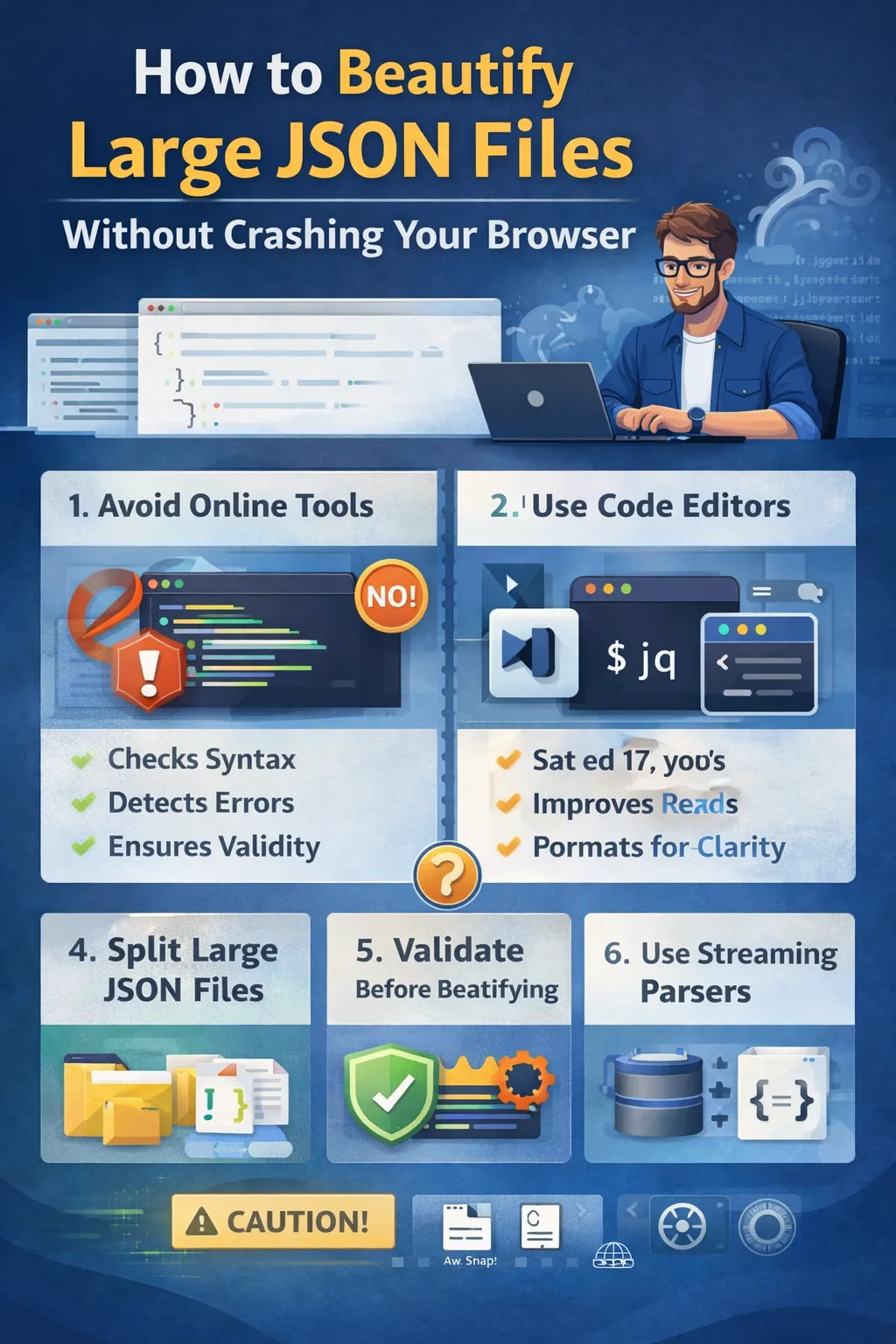
Working with JSON is a daily task for modern developers. Whether you are building APIs, SaaS dashboards, cloud integrations, or enterprise systems, structured JSON data powers nearly every application.
But everything works smoothly — until the JSON file becomes large.
Very large.
You paste a multi-megabyte JSON file into an online formatter.
Your browser freezes.
The tab becomes unresponsive.
Your laptop fan starts spinning loudly.
And sometimes, the browser crashes completely.
If you are working with API logs, database exports, analytics data, cloud responses, or enterprise datasets in markets like the United States, United Kingdom, and Europe, handling large JSON efficiently becomes critical.
This guide explains how to beautify large JSON files without crashing your browser, slowing down your workflow, or risking data corruption.
By the end of this article, you will understand:
• Why large JSON files crash browsers
• How JSON formatting impacts memory usage
• Safe ways to format huge JSON files
• Professional tools used by developers
• Performance optimization techniques
• Best practices for handling enterprise-scale data
Let’s start by understanding why this problem happens.
Why Large JSON Files Crash Browsers
When you paste a large JSON file into an online JSON formatter, the browser must:
Load the entire file into memory
Parse the JSON structure
Reformat the entire string
Render the formatted output in the DOM
For small files, this is instant.
For large files — especially files larger than several megabytes — this process becomes resource intensive.
Browsers are not designed to handle extremely large text transformations efficiently in a single thread.
JavaScript execution in the browser is single-threaded by default. That means:
If parsing takes too long
If formatting takes too long
If rendering takes too long
The browser UI becomes unresponsive.
Eventually, you may see:
“Page Unresponsive”
“Aw, Snap!”
Or complete browser crash
This is not necessarily a bug in your JSON.
It is often a performance limitation.
What Qualifies as a Large JSON File?
There is no universal size definition.
However, in practical development environments:
Files under 1 MB are usually safe
Files between 1–5 MB may slow down
Files above 5–10 MB can freeze many online tools
Files above 20 MB frequently crash browser-based formatters
In enterprise systems, JSON logs can easily reach 50 MB or more.
Formatting such files inside a browser tab is risky.
How JSON Beautification Works
A JSON beautifier performs these steps:
Parse raw JSON string
Convert it into an internal object structure
Re-serialize it with indentation and line breaks
This process duplicates data in memory.
So if your JSON file is 20 MB, the browser might temporarily use significantly more memory during parsing and rendering.
This memory expansion is what causes performance issues.
Step-by-Step Guide to Beautify Large JSON Files Safely
Step 1: Avoid Pasting Huge Files Into Online Tools
Online tools are convenient but not always optimized for very large files.
If your file is large:
Avoid copy-paste
Avoid browser-only formatters
Instead, consider local tools.
Step 2: Use Code Editors Built for Large Files
Professional code editors are optimized for handling large datasets.
Editors like:
Visual Studio Code
Sublime Text
Notepad++
Can handle large JSON files more efficiently than browser-based tools.
Most editors have built-in JSON formatting options.
These tools use optimized file handling and better memory management.
Step 3: Use Command-Line Tools
For very large JSON files, command-line tools are safer and faster.
Tools like:
jq
Python JSON module
Node.js scripts
Can format JSON without rendering it visually in a heavy UI.
Command-line formatting avoids DOM rendering, which is often the biggest performance bottleneck.
Step 4: Split Large JSON Files
If the JSON contains large arrays, consider splitting it.
For example:
Instead of formatting a 100,000-record dataset at once, extract smaller portions.
Work on smaller chunks.
This dramatically reduces memory usage.
Step 5: Validate Before Beautifying
Large JSON files often fail formatting because of structural errors.
Validate first.
If the file is invalid, formatting may increase CPU usage before failing.
Validation ensures correctness before beautification.
Step 6: Use Streaming Techniques for Enterprise Systems
For backend developers handling massive datasets, streaming parsers are essential.
Instead of loading the entire file into memory:
Process JSON in chunks
Stream data line by line
Format partial data
Streaming prevents memory overflow.
This technique is widely used in large SaaS systems and cloud environments.
Performance Optimization Techniques
To prevent browser crashes:
Disable syntax highlighting for extremely large files
Avoid real-time formatting as you type
Increase system RAM if working with large datasets regularly
Use lightweight viewers instead of full-featured IDEs
Sometimes the issue is not JSON size alone, but heavy UI rendering combined with syntax coloring and folding features.
Online vs Offline Formatting
Online tools are convenient for quick debugging.
Offline tools are safer for large production data.
For developers working with:
Cloud exports
Database dumps
Analytics logs
Microservices responses
Offline formatting is strongly recommended.
Enterprise Use Case Scenario
Imagine you are debugging a production SaaS platform.
You download a 25 MB JSON log file.
You paste it into an online formatter.
Your browser crashes.
Now you lose time, productivity, and potentially session data.
Instead, open the file in a local editor or use a command-line tool.
This approach is faster, safer, and more reliable.
Why Browser Freezing Happens
Browsers allocate memory dynamically.
Large JSON formatting involves:
Heavy string manipulation
Object reconstruction
DOM rendering
Syntax highlighting
All of this happens in one main execution thread.
If execution exceeds a threshold, the browser flags the page as unresponsive.
This is a limitation of browser architecture, not JSON itself.
Best Practices for Handling Large JSON Files
Use local editors
Avoid unnecessary formatting
Compress JSON when storing
Minify for production
Beautify only during debugging
Archive large files instead of editing directly
Work on subsets when possible
Professional developers minimize unnecessary processing of massive data files.
Security Considerations
Large JSON files may contain sensitive production data.
Uploading them to random online tools can pose security risks.
For SaaS platforms operating in US and European markets, data privacy regulations require caution.
Using local tools ensures better control over sensitive information.
When You Should Not Beautify Large JSON
If the file is purely for storage or data transfer, beautification is unnecessary.
Minified JSON reduces bandwidth usage.
Formatting is mainly for human readability, not machine processing.
In production systems, keep JSON compact.
Beautify only when debugging.
Tools Designed for Large JSON
Professional JSON viewers use lazy loading and virtual rendering.
Instead of rendering the entire document at once, they:
Render only visible sections
Load nested objects on demand
Use optimized memory handling
These techniques prevent crashes.
When choosing a JSON tool, check whether it supports large file handling.
Common Mistakes Developers Make
Pasting 50 MB JSON into browser tool
Using outdated browsers
Keeping multiple heavy tabs open
Running formatting inside slow machines
Ignoring memory limitations
Understanding system constraints prevents workflow interruptions.
Cloud and API Context
Cloud providers often return large JSON responses.
Analytics APIs
Logging systems
Monitoring dashboards
Machine learning outputs
All can generate massive JSON payloads.
For backend engineers, safe handling of large JSON is part of professional workflow.
Final Thoughts
Beautifying large JSON files is useful for debugging, analysis, and development.
But attempting to format huge datasets directly in a browser can cause freezing, slowdowns, or crashes.
The key principles are:
Avoid browser-only tools for very large files
Use local editors or command-line utilities
Validate before formatting
Split large files when possible
Understand memory limitations
For developers building scalable applications in global markets, efficient JSON handling is a necessary skill.
Once you adopt safe workflows, you can confidently work with large JSON files without risking performance issues or productivity loss.
Mastering this process improves debugging speed, system reliability, and professional efficiency.
And in competitive software engineering environments, that advantage matters.
Your email address will not be published. Comments are moderated.
0 Comments on This Post
Leave a Reply
Comments (0)
Spread the Word!
Join Our Developer Community!
Get weekly coding tips, tool updates, and exclusive tutorials straight to your inbox.
Request a Tool
×