How to Convert JSON to CSV Easily (With Examples)
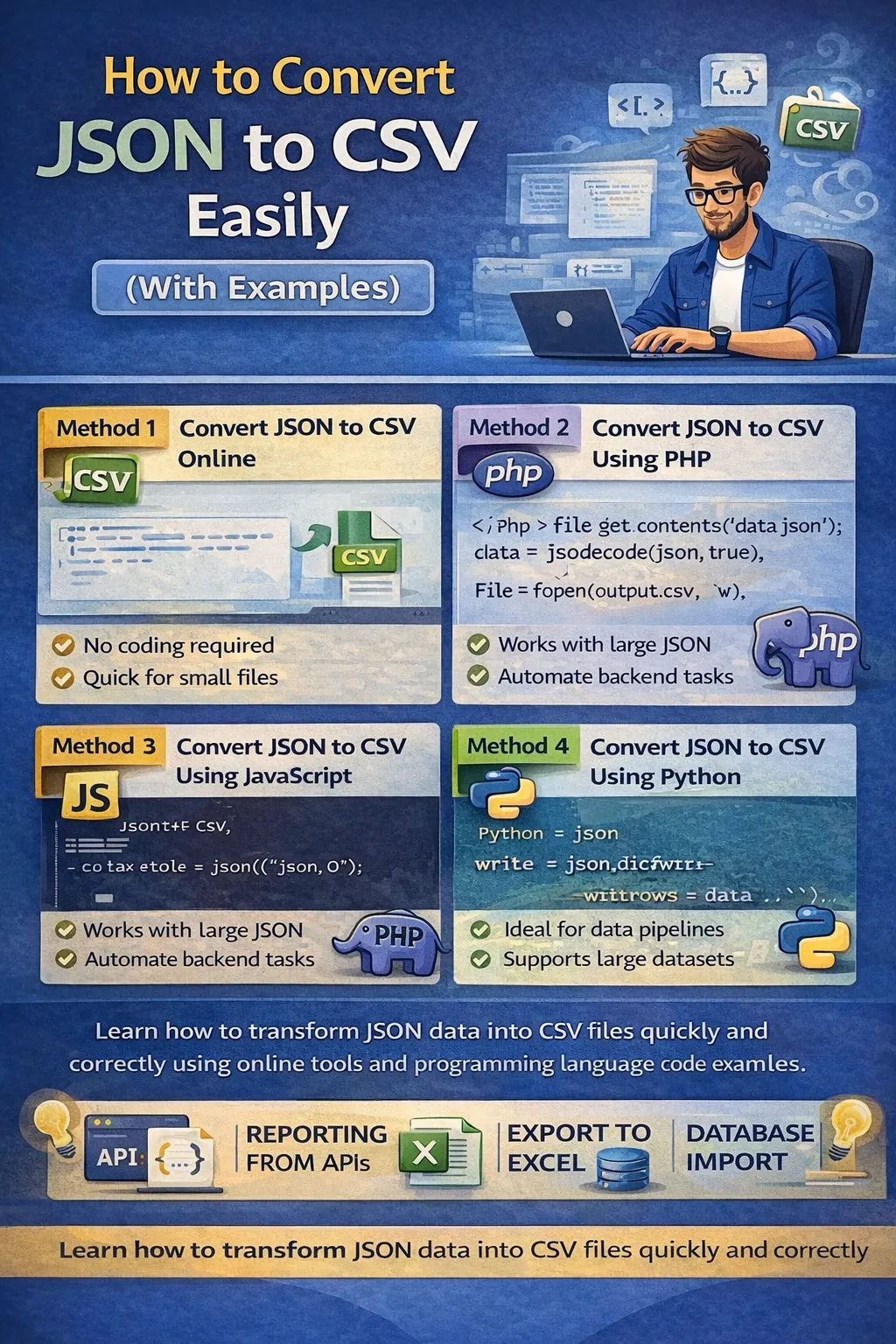
JSON (JavaScript Object Notation) is one of the most widely used data formats in modern web development. APIs, web applications, mobile apps, and databases frequently use JSON to exchange structured data.
However, when it comes to:
-
Data analysis
-
Excel reporting
-
Database imports
-
Data migration
-
Business intelligence tools
CSV (Comma-Separated Values) is often the preferred format.
This creates a common need:
👉 How do you convert JSON to CSV easily and correctly?
In this complete guide, we’ll cover:
-
What JSON and CSV formats are
-
Why conversion is necessary
-
How to convert JSON to CSV online
-
How to convert using PHP
-
How to convert using JavaScript
-
How to convert using Python
-
How to handle nested JSON
-
Common errors and fixes
-
Best practices for large files
Understanding JSON Format
JSON is a structured text format that stores data in:
-
Key-value pairs
-
Arrays
-
Nested objects
Example JSON:
[
{
"name": "John",
"email": "john@example.com",
"age": 28
},
{
"name": "Sara",
"email": "sara@example.com",
"age": 25
}
]
JSON is:
-
Lightweight
-
Easy to read
-
API friendly
-
Machine readable
But it's not ideal for spreadsheet tools.
Understanding CSV Format
CSV is a flat, tabular format.
Same data in CSV:
name,email,age
John,john@example.com,28
Sara,sara@example.com,25
CSV is:
-
Excel friendly
-
Easy to import into databases
-
Small file size
-
Compatible with analytics tools
Why Convert JSON to CSV?
Here are common real-world use cases:
1. API Data Export
Developers fetch data from APIs in JSON format and need CSV for reports.
2. Excel Analysis
Business teams prefer CSV for pivot tables and charts.
3. Database Import
Many database systems support CSV bulk imports.
4. Data Migration
Migrating structured data between systems.
Method 1: Convert JSON to CSV Online
The easiest method is using an online JSON to CSV converter.
Steps:
-
Open a JSON to CSV tool.
-
Paste your JSON data.
-
Click Convert.
-
Download CSV file.
Advantages:
-
No coding required
-
Instant result
-
Good for small files
Disadvantages:
-
Privacy risk for sensitive data
-
May crash with large files
-
Nested JSON handling may fail
Method 2: Convert JSON to CSV Using PHP
Since your platform focuses on PHP development, this method is very powerful.
Basic PHP Example:
<?php
$json = file_get_contents('data.json');
$data = json_decode($json, true);
$file = fopen('output.csv', 'w');
$header = array_keys($data[0]);
fputcsv($file, $header);
foreach ($data as $row) {
fputcsv($file, $row);
}
fclose($file);
?>
Explanation:
-
json_decode converts JSON to array
-
fputcsv writes CSV format
-
First row is header
This works perfectly for flat JSON arrays.
Method 3: Convert JSON to CSV Using JavaScript
If you want client-side conversion:
function jsonToCsv(jsonData) {
const items = JSON.parse(jsonData);
const header = Object.keys(items[0]).join(",");
const rows = items.map(obj => Object.values(obj).join(","));
return header + "\n" + rows.join("\n");
}
Useful for:
-
Browser tools
-
SaaS dashboards
-
Admin panels
Method 4: Convert JSON to CSV Using Python
Python is widely used in data science.
Example:
import json
import csv
with open('data.json') as f:
data = json.load(f)
with open('output.csv', 'w', newline='') as csvfile:
writer = csv.DictWriter(csvfile, fieldnames=data[0].keys())
writer.writeheader()
writer.writerows(data)
Perfect for:
-
Data pipelines
-
Automation scripts
-
ETL systems
How to Handle Nested JSON
Nested JSON is tricky.
Example:
{
"name": "John",
"contact": {
"email": "john@example.com",
"phone": "123456"
}
}
You must flatten it.
Flattened version:
name,contact_email,contact_phone
John,john@example.com,123456
Solution:
-
Write recursive flatten function
-
Use libraries
-
Or use smart online tools
Common Problems During Conversion
1. Nested Objects Not Converting
Solution: Flatten structure first.
2. Missing Headers
Ensure consistent keys.
3. Encoding Issues
Use UTF-8 encoding.
4. Large File Crashing
Use streaming instead of loading entire file.
Best Practices for Large JSON Files
-
Use streaming parsers
-
Increase memory limit in PHP
-
Process in chunks
-
Avoid browser-based conversion
-
Use server-side script
Performance Tips
-
Avoid repeated json_decode
-
Validate JSON before conversion
-
Remove unnecessary keys
-
Use optimized libraries
Security Considerations
-
Never upload confidential data to unknown tools
-
Sanitize CSV output
-
Prevent CSV injection (important)
CSV Injection prevention:
-
Escape cells starting with = + - @
Real-World Use Case Example
Imagine:
You fetch 10,000 users from an API.
You need:
-
Marketing report
-
Email export
-
CRM import
Instead of manually editing JSON, you:
-
Convert to CSV
-
Open in Excel
-
Share with team
Time saved: Hours.
Conclusion
Converting JSON to CSV is an essential skill for:
-
Developers
-
Data analysts
-
Backend engineers
-
SaaS founders
-
Automation engineers
Whether you use:
-
Online tools
-
PHP scripts
-
JavaScript functions
-
Python automation
Understanding how the formats differ and how to handle nested data properly will save you time and prevent errors.
If you’re building a developer tool website, a powerful and optimized JSON to CSV converter can attract:
-
API developers
-
Data engineers
-
Excel users
-
Startup founders
This topic has strong SEO potential and consistent search demand.
Your email address will not be published. Comments are moderated.
0 Comments on This Post
Leave a Reply
Comments (0)
Spread the Word!
Join Our Developer Community!
Get weekly coding tips, tool updates, and exclusive tutorials straight to your inbox.
Request a Tool
×