How to Beautify Minified CSS Code Online (Step-by-Step Guide)
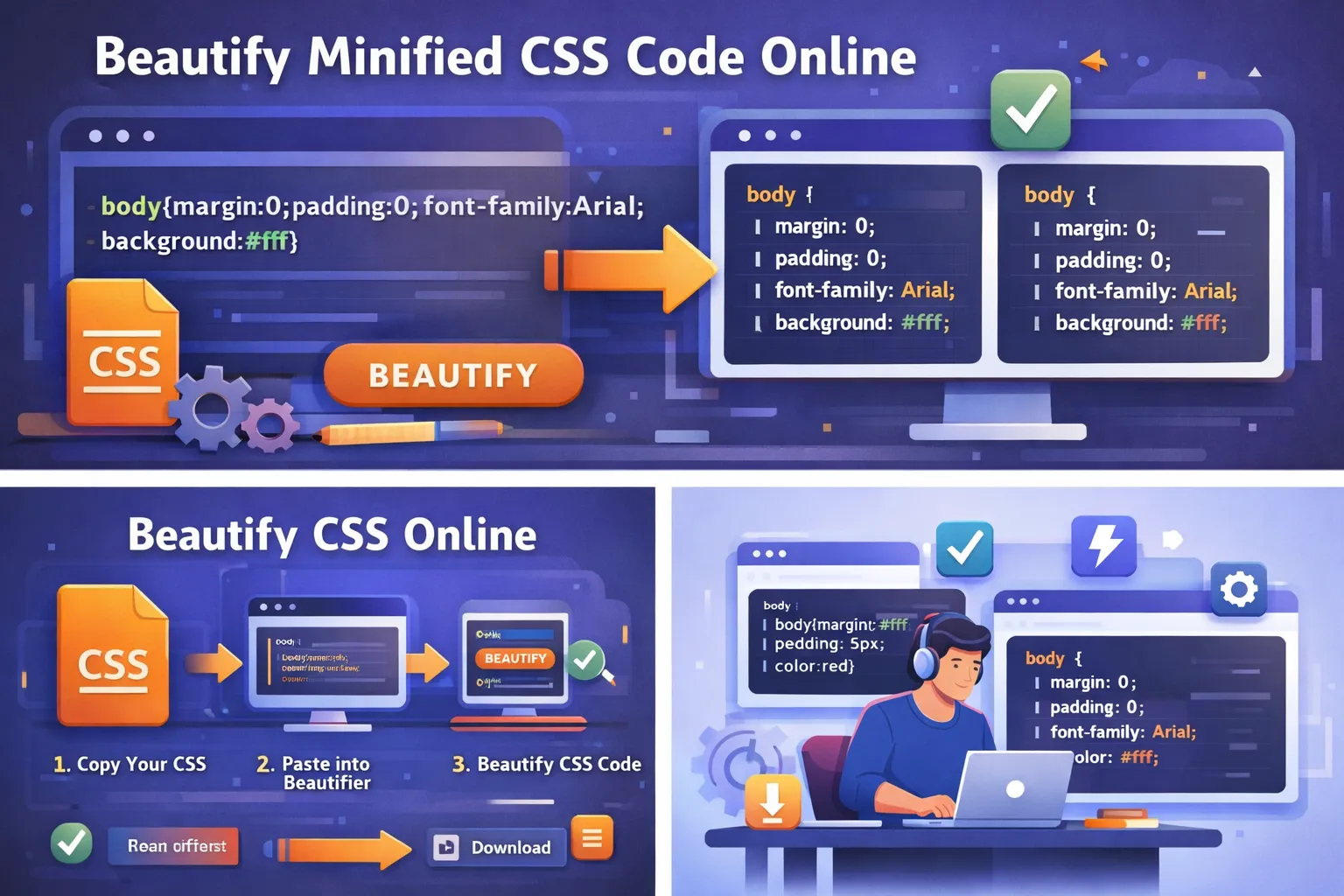
Modern websites depend heavily on CSS to control design, layout, and responsiveness. However, many websites use minified CSS in production environments to improve performance and reduce file sizes. While minification helps websites load faster, it also removes formatting such as spaces, indentation, and line breaks. This makes the CSS extremely difficult to read and edit.
To solve this problem, developers use tools that allow them to beautify CSS online. These tools convert compressed or messy CSS code into a clean, readable structure that is easier to understand and maintain.
In this complete guide, you will learn what it means to beautify CSS online, why developers need it, and how you can quickly transform minified CSS into well-formatted code using simple steps.
What Does Beautify CSS Online Mean?
Beautifying CSS means converting messy or compressed CSS code into a properly formatted structure. When developers beautify CSS online, they typically use a web-based formatting tool that automatically organizes the code.
The beautification process adds:
-
proper indentation
-
line breaks
-
spacing between properties
-
clear structure for selectors
This transformation improves readability without changing how the CSS functions.
For example, a minified CSS file may look like this:
body{margin:0;padding:0;background:#fff;font-family:Arial}.container{width:100%;max-width:1200px;margin:auto}
After using a tool to beautify CSS online, the code becomes structured like this:
body {
margin: 0;
padding: 0;
background: #fff;
font-family: Arial;
}
.container {
width: 100%;
max-width: 1200px;
margin: auto;
}
Both versions work the same, but the beautified version is much easier to read and edit.
Why Developers Need to Beautify CSS Online
There are several reasons why developers frequently beautify CSS code.
One of the most common reasons is working with minified CSS files. These files are optimized for performance but are almost impossible to read. Beautifying the code helps developers understand how the styles are structured.
Another reason is debugging CSS issues. When CSS is formatted properly, developers can quickly locate problematic rules or conflicting styles.
Beautifying CSS is also useful when developers inherit projects created by other programmers. Formatting the stylesheet makes it easier to understand the codebase and continue development.
Additionally, beautified CSS improves collaboration between team members. Clean code allows developers to review and edit styles more efficiently.
What is Minified CSS?
Minified CSS is a compressed version of a stylesheet where all unnecessary characters have been removed. These characters include spaces, line breaks, and comments.
The purpose of minification is to reduce file size so that websites load faster.
For example, a typical CSS rule written during development might contain multiple lines and spaces. When minified, everything is combined into a single line.
While this improves performance, it also makes the CSS very difficult to read. This is why developers often need tools to beautify CSS online when analyzing or editing these files.
Benefits of Beautifying CSS Code
Beautifying CSS provides several advantages for developers.
One major benefit is better readability. Proper formatting allows developers to quickly scan stylesheets and understand how rules are structured.
Another advantage is faster debugging. When CSS is organized into clear blocks, developers can easily locate errors such as missing semicolons or incorrect selectors.
Beautifying CSS also helps maintain consistent coding standards within development teams. Clean and structured stylesheets improve collaboration and reduce confusion.
For beginners learning CSS, beautified code provides a clearer understanding of how selectors and properties work together.
Overall, beautifying CSS improves development efficiency and reduces mistakes.
How to Beautify CSS Online (Step-by-Step)
Beautifying CSS online is extremely simple and requires only a few steps.
Step 1: Copy Your CSS Code
Start by copying the CSS code you want to format. This could be code from a stylesheet, a website, or a development project.
Step 2: Open an Online CSS Beautifier Tool
Next, open a reliable tool that allows you to beautify CSS online. These tools usually provide a text editor where you can paste your CSS code.
Step 3: Paste the CSS Code
Paste the copied CSS into the input area of the tool.
Most tools automatically detect formatting issues and prepare the code for restructuring.
Step 4: Click the Beautify Button
After pasting the code, click the Beautify, Format, or Clean CSS button.
The tool will process the CSS and convert it into a well-formatted structure.
Step 5: Copy or Download the Beautified Code
Once the formatting process is complete, you can copy the clean CSS or download it as a file.
This formatted code can now be used for debugging, editing, or learning purposes.
When Should You Beautify CSS Online?
Developers often beautify CSS online in several situations.
One common scenario is when analyzing the CSS of existing websites. Many websites use minified stylesheets, and beautifying them makes it easier to understand their design structure.
Another situation occurs during debugging. Formatting the CSS allows developers to quickly identify styling conflicts or errors.
Beautifying CSS is also useful when integrating third-party libraries. Developers can analyze the library’s CSS structure and customize styles accordingly.
Students and beginner developers also use CSS beautifiers to learn how stylesheets are organized.
Features of a Good CSS Beautifier Tool
Not all CSS beautifiers are the same. A high-quality tool typically includes several useful features.
One important feature is instant formatting, which allows developers to beautify CSS with a single click.
Another useful feature is syntax highlighting, which makes selectors and properties easier to read.
Many modern tools also support large CSS files, ensuring they can process complex stylesheets without errors.
Some tools include additional capabilities such as copying formatted code, downloading CSS files, and validating syntax errors.
These features help developers work more efficiently with their stylesheets.
Common CSS Formatting Problems
Developers frequently encounter formatting issues when working with CSS code.
One common problem is inconsistent indentation. Some developers use tabs while others use spaces, leading to messy stylesheets.
Another issue is missing semicolons or braces, which can break CSS rules.
Sometimes CSS code is written in long single lines, making it difficult to identify individual properties.
Beautifying CSS solves these problems by reorganizing the code into a consistent structure.
Best Practices After Beautifying CSS
After formatting CSS, developers should follow best practices to keep their stylesheets clean and maintainable.
Using consistent indentation helps maintain readability across large projects.
Grouping related CSS rules together also improves organization.
Developers should use meaningful class names that describe the purpose of each style.
Removing unused CSS rules can further improve performance and simplify the stylesheet.
Combining these practices with a CSS beautifier ensures high-quality CSS code.
Beautify CSS Online vs Manual Formatting
Developers can format CSS manually, but this process is time-consuming and prone to errors.
Manually organizing large CSS files may take hours, especially when dealing with thousands of lines of code.
Online CSS beautifiers automate the entire process and provide instant results.
This saves time and allows developers to focus on design and functionality rather than formatting.
For this reason, most developers prefer using tools to beautify CSS online instead of formatting it manually.
Why Online CSS Beautifiers Are Popular
Online tools have become extremely popular because they are simple and accessible.
Developers can beautify CSS directly from their web browser without installing any software.
Most tools are free and provide instant formatting.
They also work across different operating systems and devices, making them convenient for developers working remotely or across multiple environments.
These benefits make online CSS beautifiers an essential part of modern web development.
The Future of CSS Formatting Tools
As web development continues to evolve, CSS formatting tools are becoming more advanced.
Future tools may include artificial intelligence that automatically optimizes CSS structure and detects redundant styles.
Real-time formatting may also become standard in development environments, allowing developers to write clean CSS automatically.
Integration with build tools and automated workflows will likely make CSS beautification even more seamless.
These improvements will help developers create cleaner and more efficient stylesheets.
Conclusion
Learning how to beautify CSS online is an essential skill for modern web developers. Formatting CSS improves readability, simplifies debugging, and ensures that stylesheets remain organized.
Whether you are working with minified CSS, analyzing website styles, or learning front-end development, using a CSS beautifier can save time and improve code quality.
By following the step-by-step process outlined in this guide, developers can quickly convert messy CSS into clean and structured code.
Clean code leads to better development practices, improved collaboration, and more maintainable web projects.
Your email address will not be published. Comments are moderated.
0 Comments on This Post
Leave a Reply
Comments (0)
Spread the Word!
Join Our Developer Community!
Get weekly coding tips, tool updates, and exclusive tutorials straight to your inbox.
Request a Tool
×