How to Convert Minified CSS into Readable Code Instantly
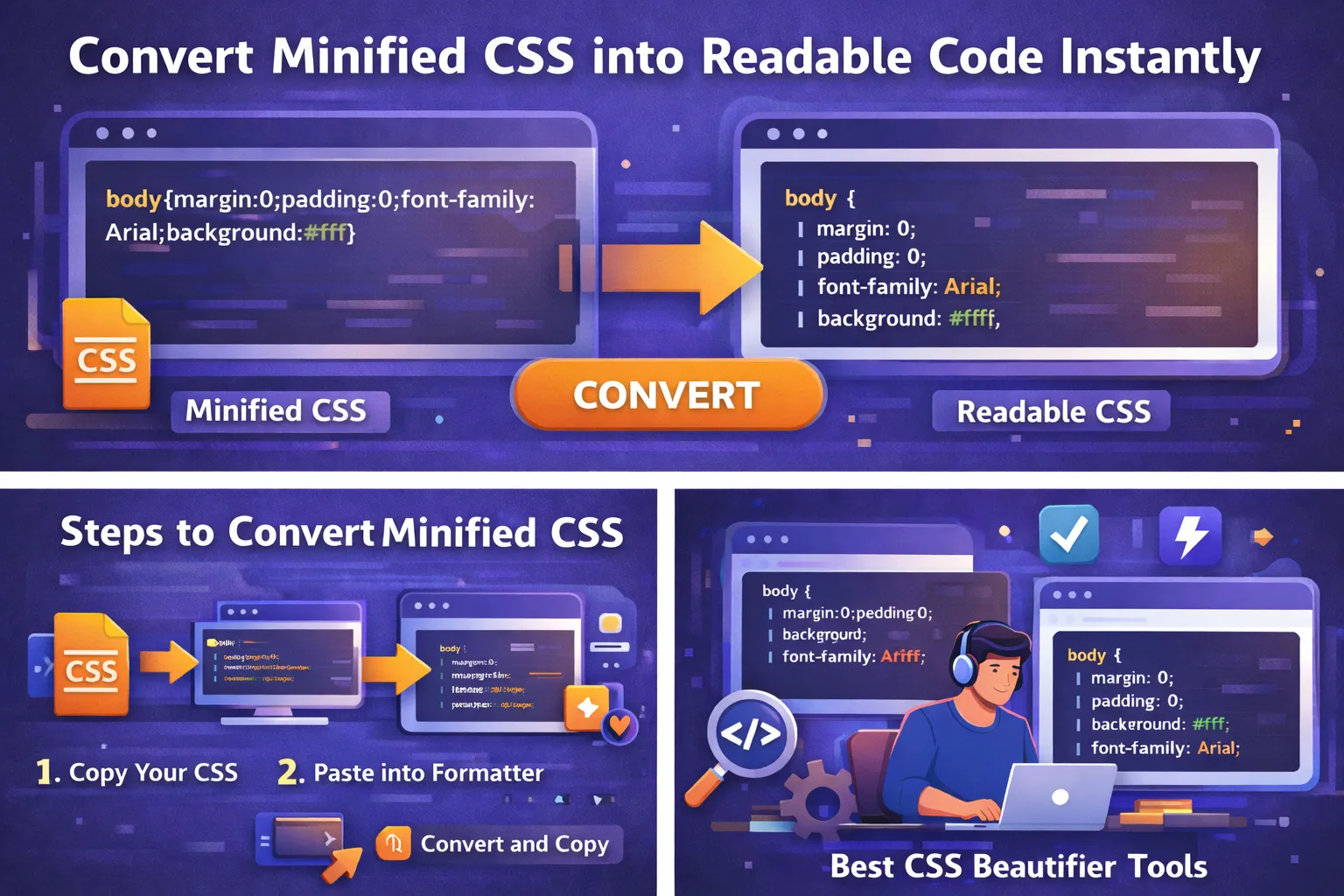
CSS is an essential part of modern web development. It controls how websites look, including layout, colors, fonts, spacing, and responsiveness. During development, CSS files are usually written in a clean and readable format so developers can easily maintain and modify them.
However, when a website goes live, developers often use minified CSS to improve performance. Minification removes unnecessary characters such as spaces, comments, and line breaks. This reduces file size and helps websites load faster.
While minification is great for performance, it makes CSS extremely difficult to read or edit. When developers need to debug or update styles, they often need to convert minified CSS into readable code.
In this guide, you will learn everything about converting minified CSS into a readable format using simple tools and techniques.
What is Minified CSS?
Minified CSS is a compressed version of a CSS file where unnecessary characters are removed. These characters include:
-
Spaces
-
Line breaks
-
Tabs
-
Comments
-
Extra formatting
Removing these elements reduces file size and improves loading speed.
For example, a normal CSS file may look like this:
body {
margin: 0;
padding: 0;
background: #ffffff;
font-family: Arial, sans-serif;
}
After minification, the same CSS becomes:
body{margin:0;padding:0;background:#fff;font-family:Arial,sans-serif;}
As you can see, the code still works exactly the same, but it is much harder for humans to read.
Why Developers Use Minified CSS
Minified CSS is widely used in production environments because it provides several performance benefits.
Faster Website Loading
Smaller files load faster in browsers. When CSS files are minified, they require less bandwidth and improve page speed.
Improved User Experience
Faster loading websites provide a better experience for visitors. Users are less likely to leave a site that loads quickly.
Better SEO Performance
Search engines such as Google consider page speed as a ranking factor. Minified CSS can help improve SEO by reducing loading time.
Reduced Bandwidth Usage
Minified files use less data, which is beneficial for websites with large traffic volumes.
Why You Need to Convert Minified CSS
Although minified CSS is excellent for production, developers often need readable code during development or debugging.
Here are the most common reasons to convert minified CSS into readable code.
Easier Debugging
Debugging minified CSS is extremely difficult because everything appears on a single line. Formatting the code makes it easier to identify problems.
Faster Code Editing
Readable CSS allows developers to quickly find and modify specific styles.
Learning and Understanding Code
Beginners often struggle to understand minified CSS. Converting it into readable format helps them learn how styles are structured.
Better Collaboration
Readable code makes collaboration easier when multiple developers work on the same project.
How to Convert Minified CSS into Readable Code
Converting minified CSS into readable code is very simple. You can do it using online tools or code editors.
Follow these steps.
Step 1: Copy the Minified CSS Code
First, locate the minified CSS code you want to convert.
You can find it in:
-
CSS files
-
Website source code
-
Browser developer tools
Copy the entire CSS snippet.
Step 2: Open a CSS Beautifier Tool
Next, open an online CSS beautifier or formatter tool. These tools automatically restructure the code into a readable format.
Step 3: Paste the CSS Code
Paste the copied minified CSS into the tool’s input box.
Step 4: Click Beautify or Format
Most tools have a button labeled Beautify, Format, or Pretty Print. Click the button to convert the code.
Step 5: Copy the Readable CSS
The tool will instantly generate formatted CSS with proper indentation and spacing. You can now copy and edit the code.
Best Tools to Convert Minified CSS
Several free tools can convert minified CSS into readable code instantly.
CSS Beautifier
CSS Beautifier is one of the simplest tools for formatting CSS code. It supports quick formatting and works directly in the browser.
Features include:
-
Instant formatting
-
Clean indentation
-
Easy copy and paste
Code Beautify
Code Beautify supports multiple programming languages including CSS, HTML, JavaScript, and JSON.
Benefits include:
-
Online formatting
-
Syntax highlighting
-
Fast conversion
Pretty Diff
Pretty Diff is a powerful tool used by developers to format and compare code.
Features include:
-
Code comparison
-
Formatting options
-
Multi-language support
JS Beautifier
JS Beautifier is a widely used open-source tool that formats JavaScript, CSS, and HTML.
Advantages include:
-
Reliable formatting
-
Developer-friendly interface
-
Supports large files
Converting Minified CSS Using Code Editors
Many code editors also provide formatting features.
Popular editors include:
-
VS Code
-
Sublime Text
-
Atom
-
WebStorm
In VS Code, you can format CSS using the Format Document option or install extensions like:
-
Prettier
-
Beautify
These tools automatically format CSS code.
Example of Converting Minified CSS
Let’s look at a real example.
Minified CSS
.container{width:100%;margin:0 auto;padding:20px;background:#f5f5f5}.title{font-size:24px;color:#333}
Readable CSS
.container {
width: 100%;
margin: 0 auto;
padding: 20px;
background: #f5f5f5;
}
.title {
font-size: 24px;
color: #333;
}
The formatted version is much easier to read and modify.
Tips for Managing CSS Files
Here are some best practices for working with CSS.
Keep Two Versions of CSS
Maintain:
-
Readable CSS for development
-
Minified CSS for production
Use Build Tools
Automated tools can handle minification and formatting.
Popular tools include:
-
Webpack
-
Gulp
-
Grunt
Use Version Control
Use Git to track changes in CSS files. This helps teams collaborate efficiently.
Organize CSS Properly
Divide CSS into sections such as:
-
Layout
-
Typography
-
Components
-
Utilities
This makes code easier to maintain.
Benefits of Using CSS Beautifiers
Using CSS beautifiers provides several advantages.
Better Code Structure
Beautifiers automatically organize CSS rules with proper indentation.
Faster Development
Readable code saves time during debugging and editing.
Improved Collaboration
Formatted code is easier for teams to understand.
Cleaner Codebase
Beautifiers help maintain consistent formatting across projects.
When Should You Minify CSS
Minification should only be used in production environments.
Use readable CSS during development so you can easily edit and debug code.
Once your website is ready for deployment, you can generate a minified version to improve performance.
Common Mistakes Developers Make
Many developers make mistakes when handling minified CSS.
Some common mistakes include:
-
Editing minified CSS directly
-
Losing original readable CSS
-
Using outdated formatting tools
-
Ignoring code structure
Avoid these mistakes by keeping organized CSS files.
Future of CSS Optimization
With modern development tools, CSS optimization is becoming more automated. Tools like Webpack and PostCSS automatically handle:
-
Minification
-
Formatting
-
Compression
-
Autoprefixing
This allows developers to focus more on design and functionality rather than manual optimization.
Conclusion
Minified CSS is an essential optimization technique for modern websites. It improves page speed and reduces file size, which benefits both users and search engines.
However, minified code can be difficult to read and modify. By using CSS beautifier tools or code editors, you can easily convert minified CSS into readable code instantly.
Readable CSS improves debugging, editing, and collaboration, making development much more efficient.
Whether you are a beginner or an experienced developer, learning how to format CSS properly will make your workflow faster and more productive.
Your email address will not be published. Comments are moderated.
0 Comments on This Post
Leave a Reply
Comments (0)
Spread the Word!
Join Our Developer Community!
Get weekly coding tips, tool updates, and exclusive tutorials straight to your inbox.
Request a Tool
×