How to Convert XML to JSON in JavaScript (Step-by-Step Guide)
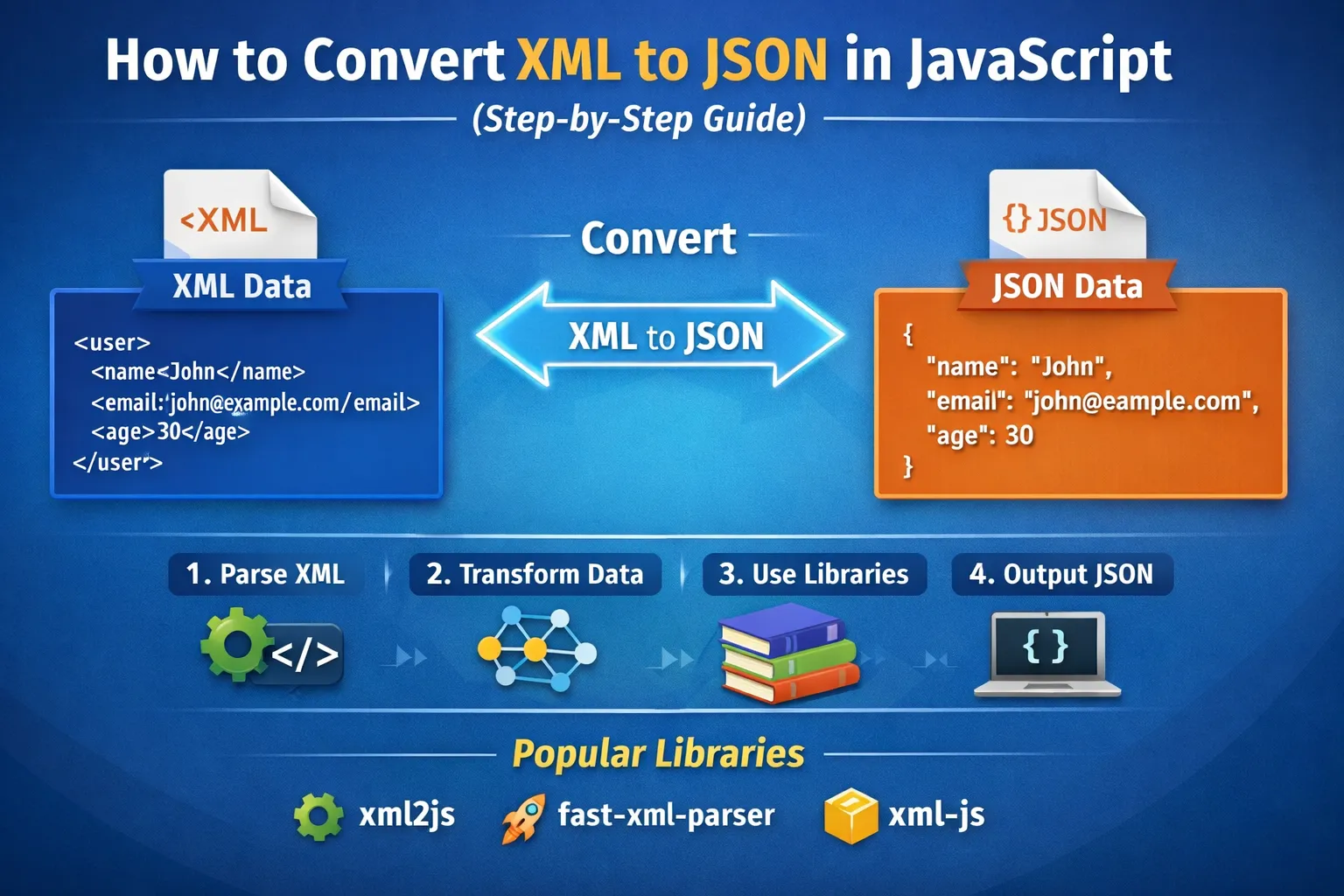
Data exchange between systems is one of the most common tasks in modern software development. Applications frequently communicate with APIs, servers, and third-party services to exchange information.
Two of the most popular formats for storing and transmitting structured data are XML (Extensible Markup Language) and JSON (JavaScript Object Notation).
In older systems and enterprise platforms, XML is still widely used. However, most modern web applications prefer JSON because it is lightweight and integrates naturally with JavaScript.
For this reason, developers often need to convert XML data into JSON format before processing it inside web applications.
This guide will walk you through:
-
Understanding XML and JSON
-
Why developers convert XML to JSON
-
Methods to convert XML to JSON in JavaScript
-
Using DOMParser
-
Using JavaScript libraries
-
Handling complex XML structures
-
Best practices for XML parsing
By the end of this tutorial, you will clearly understand how XML to JSON conversion works in JavaScript.
Understanding XML
XML stands for Extensible Markup Language. It is designed to store and transport structured data.
Example XML data:
<user>
<name>John</name>
<email>john@example.com</email>
<age>30</age>
</user>
XML is:
-
Human readable
-
Platform independent
-
Structured using tags
-
Widely used in enterprise APIs
However, XML can be verbose and harder to process in JavaScript compared to JSON.
Understanding JSON
JSON stands for JavaScript Object Notation.
Example JSON format:
{
"name": "John",
"email": "john@example.com",
"age": 30
}
JSON is preferred in modern applications because:
-
It is lightweight
-
It loads faster
-
It integrates easily with JavaScript
-
It requires less bandwidth
Because JavaScript works naturally with JSON objects, developers often convert XML responses into JSON.
Why Convert XML to JSON in JavaScript
There are several reasons developers convert XML data into JSON:
1. Easier Data Manipulation
JavaScript works naturally with objects and arrays, which makes JSON easier to process.
2. Faster Parsing
JSON parsing is generally faster than XML parsing.
3. API Compatibility
Many modern APIs use JSON as the default response format.
4. Cleaner Code
Working with JSON reduces complexity in JavaScript applications.
Method 1: Convert XML to JSON Using DOMParser
JavaScript provides a built-in tool called DOMParser which allows you to parse XML data.
Step 1: XML Example
<product>
<name>Laptop</name>
<price>1200</price>
<brand>Dell</brand>
</product>
Step 2: Convert XML to JSON
JavaScript code:
function xmlToJson(xml) {
let obj = {};
if (xml.nodeType === 1) {
if (xml.attributes.length > 0) {
obj["@attributes"] = {};
for (let j = 0; j < xml.attributes.length; j++) {
let attribute = xml.attributes.item(j);
obj["@attributes"][attribute.nodeName] = attribute.nodeValue;
}
}
}
if (xml.hasChildNodes()) {
for(let i = 0; i < xml.childNodes.length; i++) {
let item = xml.childNodes.item(i);
let nodeName = item.nodeName;
if (typeof(obj[nodeName]) === "undefined") {
obj[nodeName] = xmlToJson(item);
} else {
if (!Array.isArray(obj[nodeName])) {
obj[nodeName] = [obj[nodeName]];
}
obj[nodeName].push(xmlToJson(item));
}
}
}
return obj;
}
Parsing XML in JavaScript
Before converting XML, you must parse it.
Example:
let xmlString = `<user>
<name>John</name>
<age>25</age>
</user>`;
let parser = new DOMParser();
let xmlDoc = parser.parseFromString(xmlString, "text/xml");
let jsonData = xmlToJson(xmlDoc);
console.log(jsonData);
This converts XML data into a JavaScript object.
Method 2: Using JavaScript Libraries
For complex XML structures, developers often use libraries instead of writing manual conversion logic.
Popular libraries include:
-
xml2js
-
fast-xml-parser
-
xml-js
Example using fast-xml-parser
Installation:
npm install fast-xml-parser
Example usage:
import { XMLParser } from "fast-xml-parser";
const parser = new XMLParser();
let jsonObj = parser.parse(xmlData);
console.log(jsonObj);
Libraries are recommended for large applications.
Handling Attributes in XML
XML often contains attributes.
Example:
<book id="101">
<title>JavaScript Guide</title>
</book>
Converted JSON may look like:
{
"book": {
"@attributes": {
"id": "101"
},
"title": "JavaScript Guide"
}
}
Attributes must be handled separately during conversion.
Handling Nested XML Structures
Example XML:
<library>
<book>
<title>Book One</title>
</book>
<book>
<title>Book Two</title>
</book>
</library>
Converted JSON:
{
"library": {
"book": [
{"title": "Book One"},
{"title": "Book Two"}
]
}
}
Nested structures require recursive parsing logic.
Common Issues in XML to JSON Conversion
Developers may face several issues while parsing XML.
Invalid XML
If XML structure is incorrect, parsing may fail.
Namespace Handling
Some XML documents use namespaces which must be handled carefully.
Attributes vs Elements
XML attributes sometimes require separate logic.
Best Practices for XML Parsing in JavaScript
To ensure efficient XML to JSON conversion, follow these best practices:
Validate XML First
Always validate XML before parsing it.
Use Libraries for Large Files
Libraries provide better performance and error handling.
Handle Edge Cases
Ensure your parser supports nested elements and attributes.
Avoid Blocking UI
For large XML files, process data asynchronously.
Real-World Use Cases
XML to JSON conversion is used in many applications.
API Integrations
Many legacy APIs still return XML responses.
Data Migration
Converting XML data into JSON databases.
Web Services
SOAP APIs frequently return XML responses.
Third-Party Integrations
Payment gateways and enterprise software often use XML.
Online XML to JSON Converter Tool
If you do not want to write code manually, you can use an online converter tool.
Online tools allow developers to:
-
Convert XML instantly
-
Validate XML structure
-
Beautify JSON output
-
Download formatted data
These tools are especially useful when debugging API responses.
Conclusion
XML and JSON are both powerful data formats, but JSON has become the preferred format in modern web development.
Converting XML to JSON in JavaScript allows developers to work with data more efficiently and integrate legacy systems with modern applications.
You can convert XML to JSON using:
-
Native JavaScript methods like DOMParser
-
Recursive parsing functions
-
Dedicated JavaScript libraries
Choosing the right approach depends on the complexity and size of the XML data.
If you frequently work with XML files, using a reliable converter or parser library can significantly improve your development workflow.
Your email address will not be published. Comments are moderated.
0 Comments on This Post
Leave a Reply
Comments (0)
Spread the Word!
Join Our Developer Community!
Get weekly coding tips, tool updates, and exclusive tutorials straight to your inbox.
Request a Tool
×