How Git & GitHub Work for Beginners
Introduction
In modern software development, writing code is only half the job. Managing changes, collaborating with teams, tracking history, and deploying safely are equally important. This is where Git and GitHub come into play.
If you are a beginner, Git and GitHub may initially feel confusing. Terms like repository, commit, branch, merge, and pull request often sound overwhelming. However, once you understand the fundamentals, these tools become incredibly powerful and easy to use.
This article explains how Git and GitHub work, starting from the basics and moving step by step. No prior experience is required.
What Is Git?
Git is a version control system.
A version control system helps you:
-
Track changes in your code
-
Save different versions of a project
-
Revert to older versions when something breaks
-
Work on new features without affecting stable code
Git works locally on your computer. You don’t need the internet to use Git.
Why Git Was Created
Before Git, developers faced serious issues:
-
Files were overwritten accidentally
-
No clear history of changes
-
Collaboration caused conflicts
-
Hard to know who changed what and when
Git was created to solve these problems by:
-
Keeping a complete history of changes
-
Allowing multiple people to work safely
-
Making experimentation easy through branching
How Git Works (Core Concept)
Git tracks changes in snapshots, not individual file differences.
Each time you save your work using Git, it:
-
Takes a snapshot of your project
-
Assigns it a unique ID
-
Stores it safely in the repository
This means you can always:
-
Go back in time
-
Compare versions
-
Restore deleted code
What Is a Git Repository?
A repository (repo) is where Git stores:
-
Your project files
-
The entire history of changes
-
Branches and tags
There are two types:
-
Local repository – on your computer
-
Remote repository – stored online (usually on GitHub)
The Git Workflow Explained Simply
Git follows a simple three-step workflow:
-
Working Directory
You modify files normally (coding, editing, deleting). -
Staging Area
You select which changes you want to save. -
Repository
Changes are permanently stored as a commit.
This separation gives you full control over what gets saved.
What Is a Commit?
A commit is a saved snapshot of your project.
Each commit:
-
Has a unique ID
-
Contains your changes
-
Includes a message explaining what you did
Good commit messages help you:
-
Understand project history
-
Debug faster
-
Collaborate efficiently
Why Branches Exist in Git
Branches allow you to:
-
Work on new features safely
-
Fix bugs without touching main code
-
Experiment freely
The default branch is usually called main or master.
You can:
-
Create a new branch
-
Make changes
-
Merge it back when ready
This is one of Git’s most powerful features.
What Is GitHub?
GitHub is not Git.
GitHub is a cloud platform that:
-
Hosts Git repositories online
-
Enables collaboration
-
Provides tools for review and automation
Git works locally.
GitHub works online.
Why Developers Use GitHub
GitHub helps developers:
-
Share code publicly or privately
-
Collaborate with teams
-
Review code before merging
-
Track issues and bugs
-
Manage open-source projects
It acts as a central hub for your Git repositories.
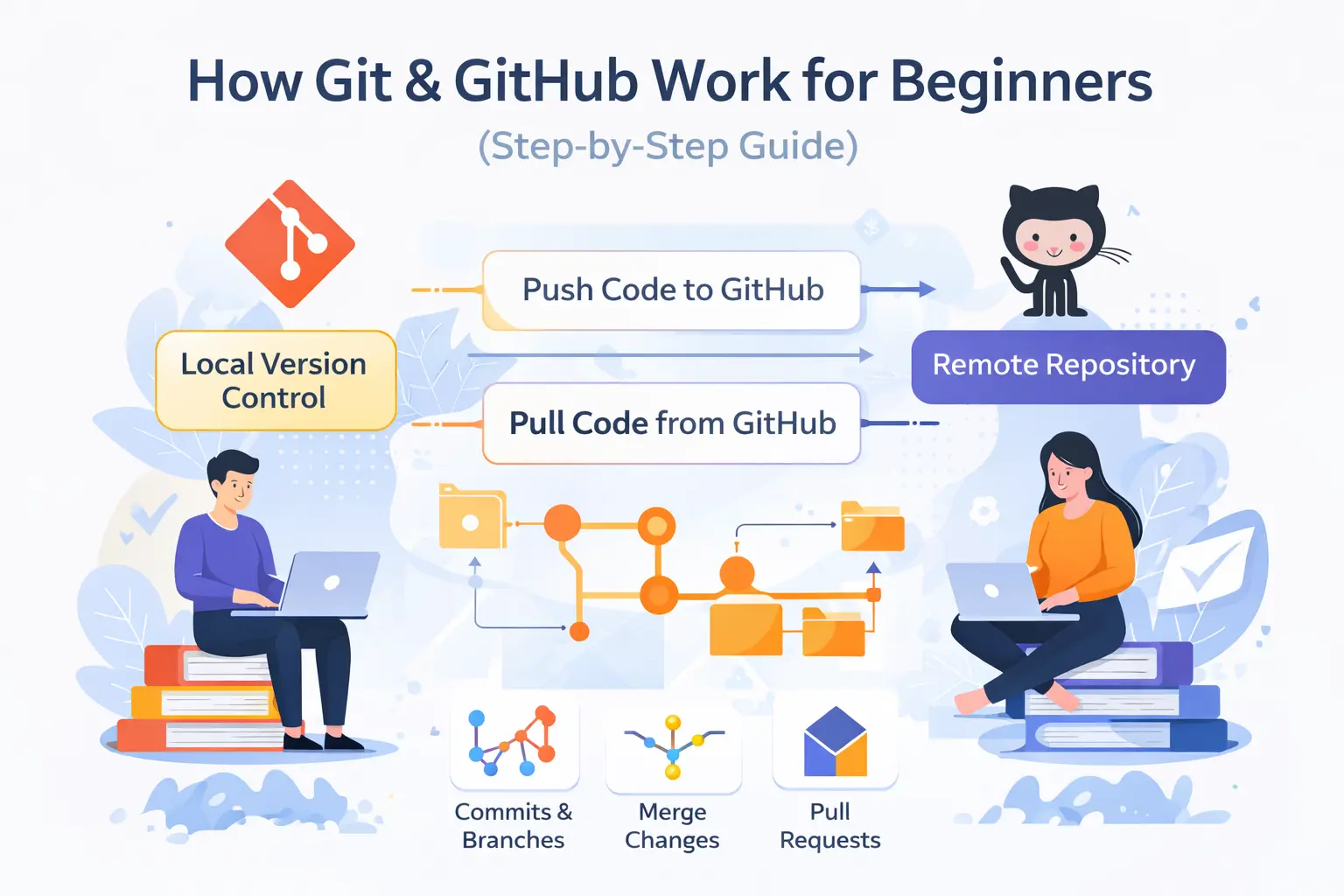
How Git and GitHub Work Together
Here’s the simple relationship:
-
Git manages code versions locally
-
GitHub stores repositories remotely
-
Git connects your computer to GitHub
You write code locally → Git tracks it → GitHub stores it online.
Pushing Code to GitHub
When you push:
-
Your local commits are sent to GitHub
-
The remote repository gets updated
-
Team members can see your changes
This makes GitHub ideal for teamwork.
Pulling Code from GitHub
When you pull:
-
Git downloads the latest changes
-
Your local project stays up to date
-
Conflicts can be resolved safely
Pulling ensures everyone works with the latest version.
What Is a Pull Request?
A pull request is a request to merge changes.
It allows:
-
Code review
-
Discussion
-
Testing before merging
Pull requests improve:
-
Code quality
-
Team communication
-
Project stability
GitHub for Solo Developers
Even if you work alone, GitHub is useful for:
-
Backup
-
Version history
-
Deployment
-
Portfolio building
Your GitHub profile becomes your developer resume.
Common Beginner Mistakes
Beginners often:
-
Skip commit messages
-
Commit too many changes at once
-
Avoid branches
-
Don’t push code regularly
Understanding Git early helps avoid these problems.
Git vs GitHub (Simple Difference)
Git:
-
Tool
-
Runs locally
-
Tracks versions
GitHub:
-
Platform
-
Runs online
-
Hosts and shares repositories
You can use Git without GitHub, but GitHub makes Git powerful.
Real-World Example
Imagine building a website:
-
Git tracks every change
-
Branches allow feature testing
-
GitHub stores backups
-
Team members collaborate safely
-
Rollbacks fix mistakes instantly
This workflow is used by startups and large companies alike.
Best Practices for Beginners
-
Commit small, meaningful changes
-
Write clear commit messages
-
Use branches
-
Push code frequently
-
Learn conflict resolution early
These habits save time and prevent errors.
Why Learning Git & GitHub Is Essential
Almost every tech job requires:
-
Git knowledge
-
GitHub experience
-
Collaboration skills
Whether you are:
-
A student
-
A PHP developer
-
A freelancer
-
A startup founder
Git and GitHub are non-negotiable skills.
Conclusion
Git and GitHub are the backbone of modern software development.
Git helps you:
-
Track changes
-
Manage versions
-
Work confidently
GitHub helps you:
-
Collaborate
-
Share code
-
Build your developer profile
Once you understand how they work together, coding becomes safer, faster, and more professional.
If you master Git and GitHub early, you gain a strong advantage as a developer 🚀
Your email address will not be published. Comments are moderated.
0 Comments on This Post
Leave a Reply
Comments (0)
Spread the Word!
Join Our Developer Community!
Get weekly coding tips, tool updates, and exclusive tutorials straight to your inbox.
Request a Tool
×