Website Security Tips for Beginners
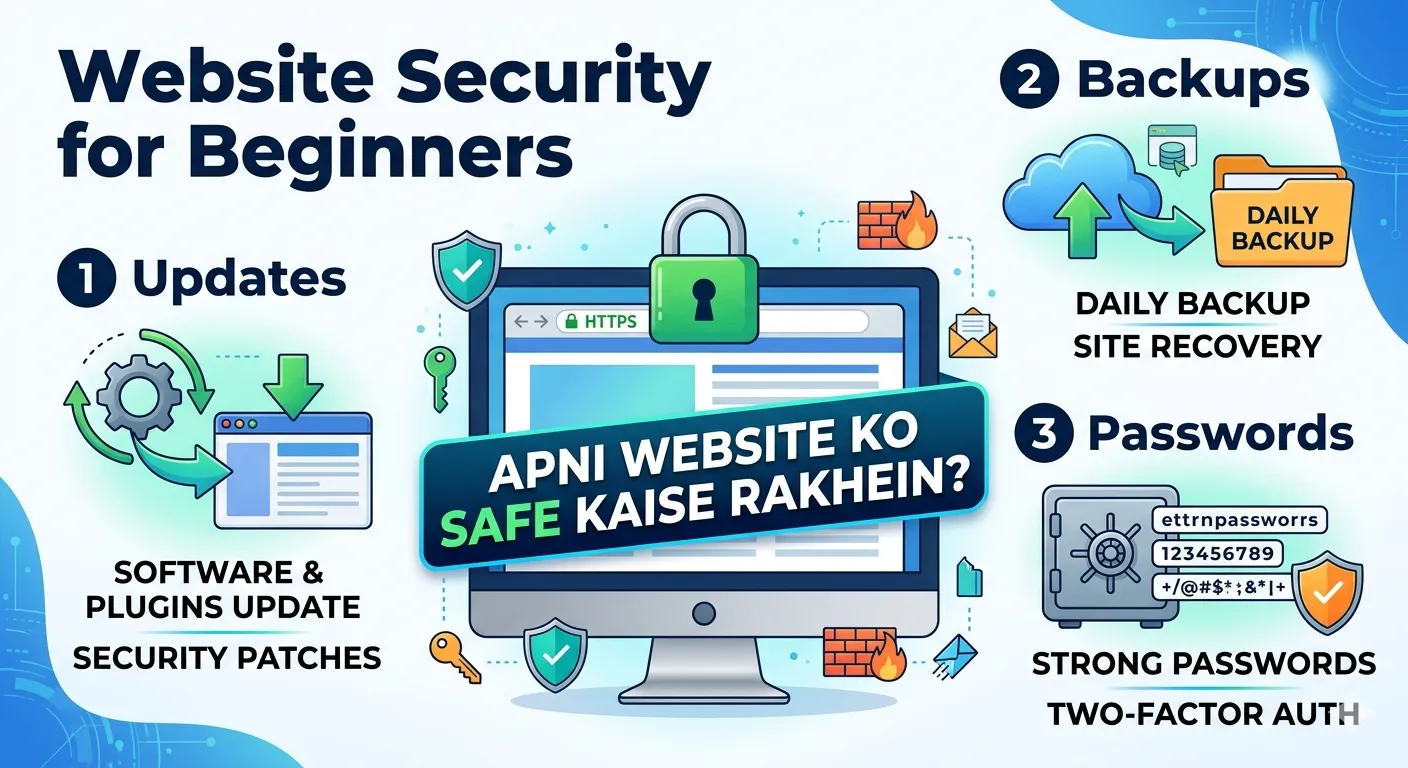
In today’s digital world, having a website is easier than ever—but keeping it secure is a completely different challenge.
Many beginners focus on design, content, and SEO, but ignore one of the most important aspects: website security.
Unfortunately, hackers don’t just target big companies. In fact, beginners and small websites are often easier targets because they usually have weak security.
If you are new to web development or running your first website, this guide will help you understand simple yet powerful website security tips to protect your site.
🚨 Why Website Security is Important
Before learning the tips, it’s important to understand why security matters.
A hacked website can lead to:
- Data theft
- Loss of traffic
- Google blacklist
- Financial loss
- Loss of user trust
👉 Even a small security issue can cause big problems.
⚠️ Common Mistakes Beginners Make
Many beginners unknowingly create security risks:
- Using weak passwords
- Not updating software
- Ignoring HTTPS
- Using nulled themes/plugins
- No backups
👉 Avoiding these mistakes is the first step to security.
🛡️ Top Website Security Tips for Beginners
✅ 1. Use Strong Passwords
Weak passwords are one of the biggest security risks.
👉 Use:
- At least 12 characters
- Mix of letters, numbers, symbols
✅ 2. Enable HTTPS (SSL Certificate)
HTTPS encrypts data between user and server.
👉 Benefits:
- Secure communication
- Better SEO ranking
- User trust
✅ 3. Keep Software Updated
Outdated software is vulnerable.
👉 Update:
- CMS (WordPress, etc.)
- Plugins
- Themes
✅ 4. Use Secure Hosting
Choose a hosting provider with:
- Firewall
- Malware protection
- Regular backups
✅ 5. Backup Your Website Regularly
Backups help you recover after attacks.
👉 Keep:
- Daily or weekly backups
- Cloud storage
✅ 6. Use Web Application Firewall (WAF)
WAF protects against attacks like:
- SQL injection
- XSS
✅ 7. Validate User Input
Never trust user input.
👉 Always:
- Validate forms
- Sanitize data
✅ 8. Protect Against Brute Force Attacks
👉 Use:
- Login attempt limits
- CAPTCHA
✅ 9. Use Security Plugins/Tools
Examples:
- Malware scanners
- Security monitoring tools
✅ 10. Remove Unused Files & Plugins
Unused files can create vulnerabilities.
✅ 11. Limit Admin Access
👉 Only give access to trusted users.
✅ 12. Hide Sensitive Information
Do not expose:
- Database details
- Server info
✅ 13. Use Secure File Permissions
Set proper permissions for files and folders.
✅ 14. Monitor Website Activity
Track:
- Login attempts
- File changes
✅ 15. Learn Basic Security Practices
Even basic knowledge can prevent attacks.
🌍 Global Security Trends (2026)
- Increase in automated attacks
- AI-based hacking tools
- More focus on data privacy
👉 Security is becoming more important globally.
🧪 Basic Security Checklist
For beginners:
- HTTPS enabled ✅
- Strong passwords ✅
- Regular updates ✅
- Backup system ✅
- Firewall enabled ✅
📊 Real-World Example
A small blog got hacked due to outdated plugin.
Result:
- Lost traffic
- Google penalty
👉 Lesson: Always update software.
🚀 SEO Benefits of Secure Website
Secure websites:
- Rank higher on Google
- Gain user trust
- Reduce bounce rate
📊 Conclusion
Website security is not just for experts—it is essential for beginners as well.
By following simple tips like using strong passwords, enabling HTTPS, and updating software, you can protect your website effectively.
In 2026, security should be a top priority for every website owner.
FAQs
What is website security?
Protection of websites from hacking and attacks.
How can beginners secure their website?
Use HTTPS, strong passwords, and regular updates.
Is security important for small websites?
Yes, small websites are often targeted.
How often should I update my website?
Regularly, especially when updates are available.
Your email address will not be published. Comments are moderated.
0 Comments on This Post
Leave a Reply
Comments (0)
Spread the Word!
Join Our Developer Community!
Get weekly coding tips, tool updates, and exclusive tutorials straight to your inbox.
Request a Tool
×